


Page History
The VLC is configured in the VLC SETTINGS section in the following way:
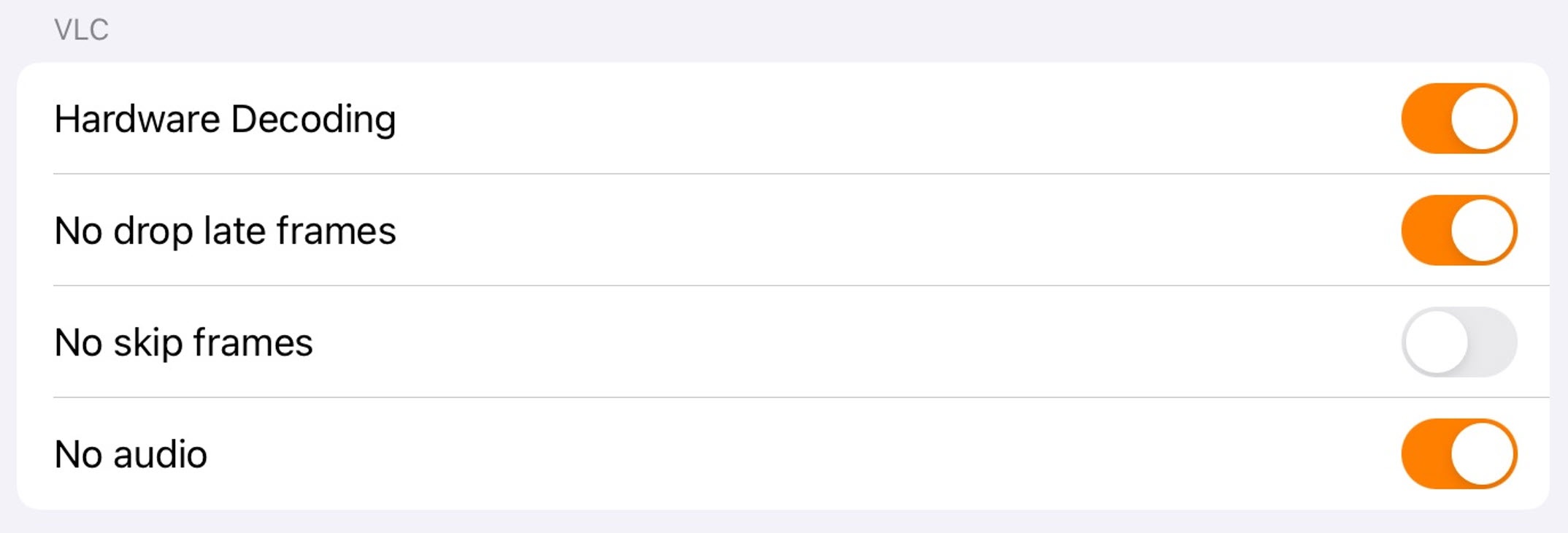
Enable the Hardware Decoding (1) parameter if it is necessary to use the hardware video decoding.
- Enable the No drop late frames (2) parameter parameter if it is necessary to disable the dropping of the late frames.
Enable the No skip frames (3) parameter parameter if it is necessary to disable the frames skipping.
Enable the No audio (4) parameter if it is necessary to play video without sound.
Enable the Logging (5) parameter if it is necessary to log the Client operation process with VLC.
...
.
Overview
Content Tools