
Go to documentation repository


Page History
License activation for the Axxon Next One software package is carried out through the product activation utility.
You can launch the product activation utility from the Windows Start menu: Start -> All Programs -> Axxon NextOne -> Utilities -> Program Activation.
| Info | ||
|---|---|---|
| ||
The product activation utility program file LicenseTool.exe is located in the folder <Directory where Axxon Next One is installed>\AxxonSoft\AxxonSmartAxxon Smart\bin\ |
Then you must select the name of one of the Axxon Domain servers to which the license file will be applied (the file is applied to all Axxon Domain servers launched at the moment of activation) and connect to the system, under an administrator's user name and password, to continue the activation process.

The activation window will be displayed.
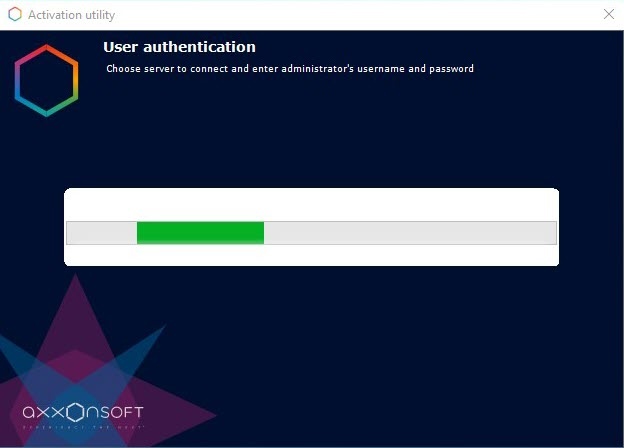
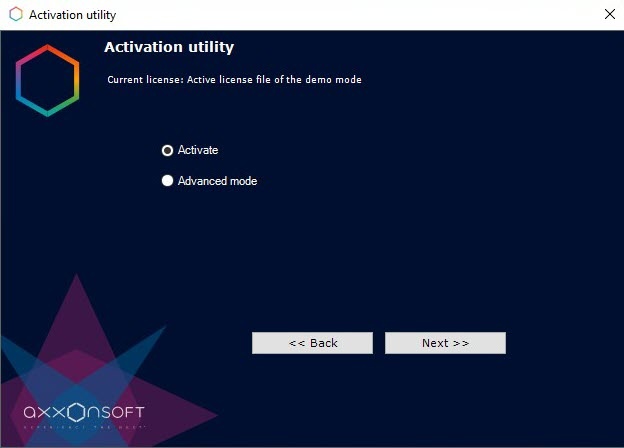
After the download is complete the main window of license utility When the utility has loaded, its main will be displayed.
...
| Info | ||
|---|---|---|
| ||
To activate Axxon One, connect to a Server in the Axxon domain. Otherwise, an error message appears. |
Overview
Content Tools