
Go to documentation repository


Page History
...
| Info | ||
|---|---|---|
| ||
The System settings item is also available in the menu that appears on clicking the
|

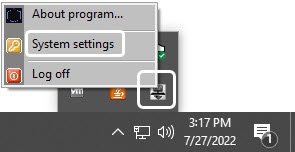
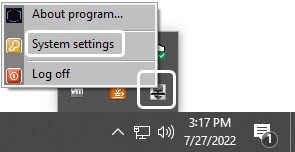
Now you have the System settings dialog box displayed on the monitor.
...
| Info | ||
|---|---|---|
| ||
| The interface of the INTELLECT™ Axxon PSIM™ Main Control Panel is given in Appendix 1. Interface. |
...
| Note | ||
|---|---|---|
| ||
| While changing the screen resolution it is necessary to restart the Intellect Axxon PSIM software for dialog windows correct displaying. |
...
Overview
Content Tools