
Go to documentation repository


Page History
...
- Check that the IP address to be assigned to the Axis network camera is not used by any other devices.
The IP address in Windows OS is checked using the command line. To display the command line on the monitor, select the Run command in Command Prompt in the Start menu.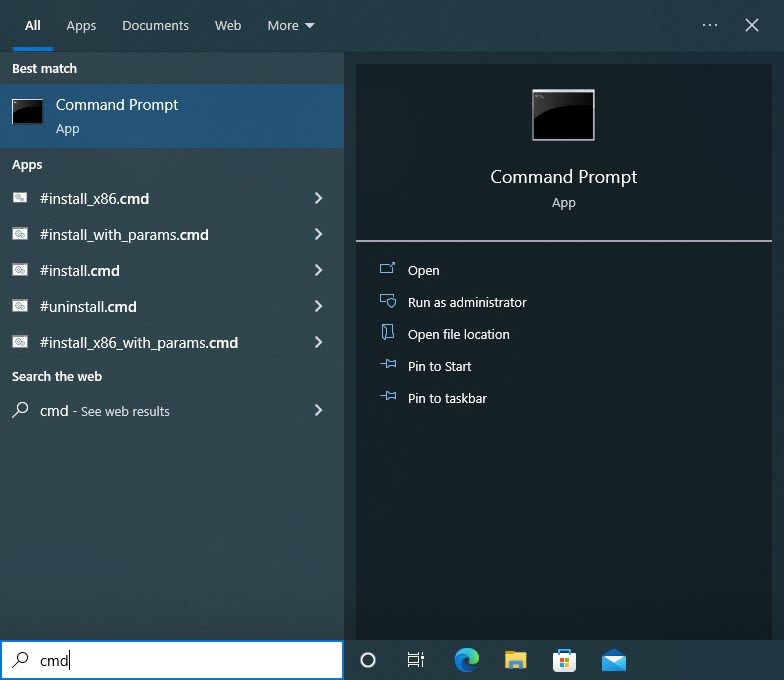
Now type the cmd command in the Open field of the Run dialog box and click the OK button to approve the entry.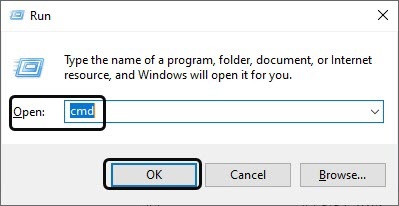
As a result, the command line is displayed on the screen.
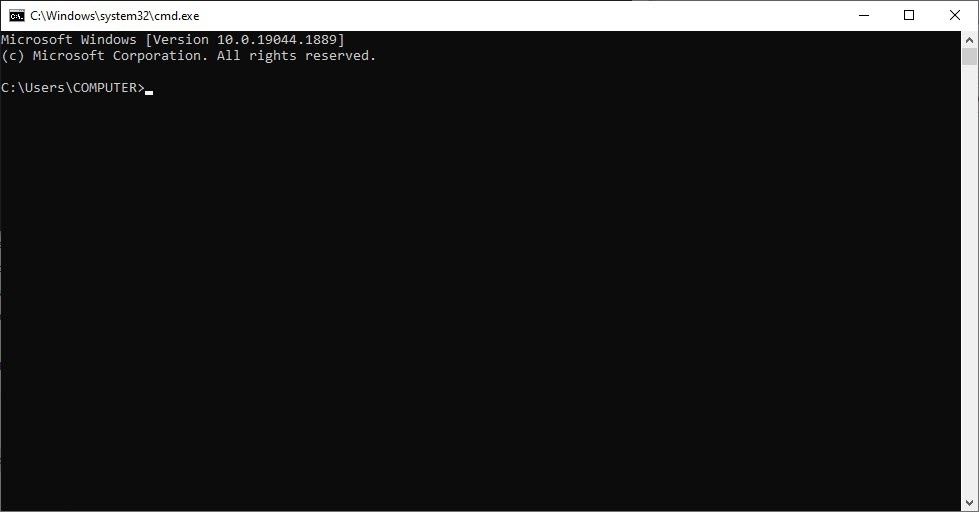
To check the selected IP address, type the ping 192.168.0.90 command in the command line. If the given IP address does not belong to any other device, then there is the Request timed out message on the screen.

- Assign the required IP address to the Axis camera. Assign the selected IP address as follows:
Start the IPUtility.exe utility.
- Start searching for all Axis IP cameras (see Searching for IP devices section).
- Highlight the line containing the required IP camera in the list of Axis IP cameras connected to the local network.
Select the Set IP Address item in the Server dropdown list in the main menu of the IPUtility.exe utility.
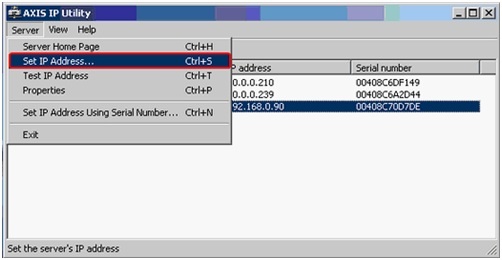
- Type the required IP address on the Set IP Address panel.

- Confirm the IP address assigned to the Axis network camera by clicking the Set IP button.
As soon as the above operations are done, IP address settings of the network device are enabled.
Info title Note To prevent possible failures of the camera, check the assigned IP address again.
- Check the IP address assigned to the Axis network camera.
| Info | ||
|---|---|---|
| ||
The IP address is checked with the use of the command line (see the 1st item of this instruction). If the IP address is set correctly, then following message is displayed in the command line window in reply to the ping 192.168.0.90 command: |

The IP address is now assigned to the Axis camera. If assignment of the IP-address to the Axis camera is successful, then proceed to the network configuration of the device using the embedded Web Server.
Overview
Content Tools