
Go to documentation repository


Page History
To start the utility start the schedule.exe file in the Tools\Replication folder of the INTELLECT™ Axxon PSIM installation directory. For example:
C:\Program Files\IntellectAxxon PSIM\Tools\Replication\shedule.exe.
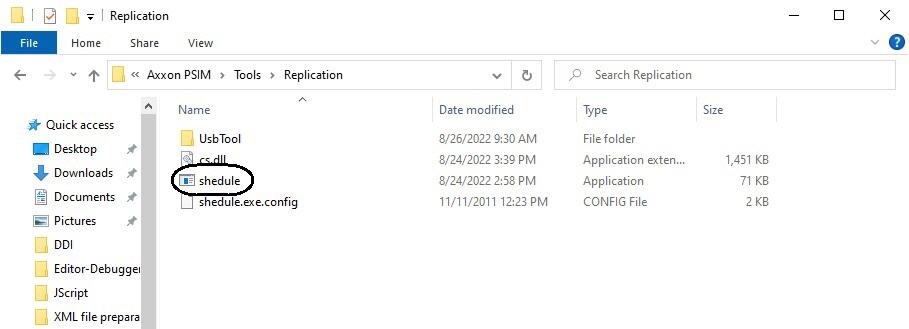
As the result the dialog window of the schedule.exe utility is opened.

| Info | ||
|---|---|---|
| ||
| The error message is displayed at opening the schedule.exe utility when users or the Camera objects are not created in the INTELLECT™ Axxon PSIM software under the Computer/LOCALHOST object corresponding to the Receiver. It is needed to create required objects and restart the system. |
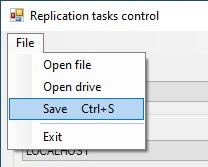
To close the schedule.exe utility, click the  button or select Exit in the File menu.

Overview
Content Tools