


Page History
The Advanced advanced settings are configured as follows:
Go to the Advanced settings tab of the Face recognition and search object settings panel.
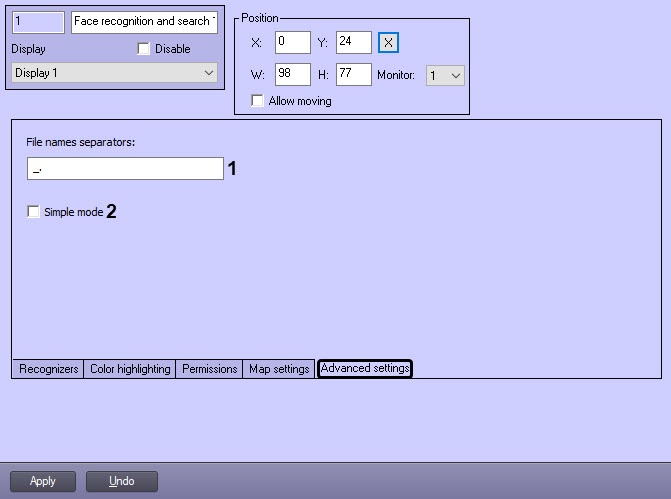
In the File names separators field (1) enter the characters that will be used as a separator when adding faces to the database. Any separator from the specified values of the field can be used: the letters of the English alphabet Cyrillic letters, Latin letters, numbers, alphabetic characters, additional symbols, white space.
Info title Note By default, the following separators are used: underscore, period and a white space "_. "
Set the Simple mode checkbox (2) to enable the simple mode of captured and recognized faces monitoring (see Enabling the Simple mode of captured and recognized faces monitoring).
-
Click the Apply
button (3) tobutton to save the changes.
The Advanced advanced settings are configured.