
Go to documentation repository
The event search results can be printed as a report. To do this, follow these stepsdo the following:
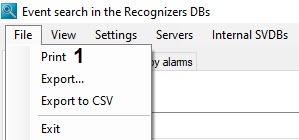

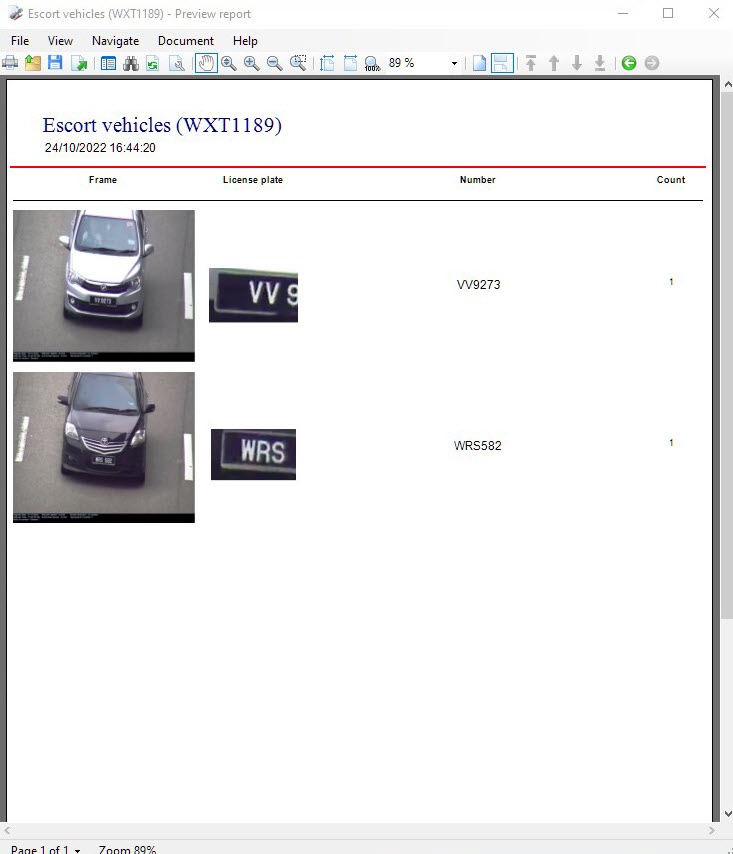
...
If there are more than 1000 entries in the search results the following message will be displayed before the preview report program launch.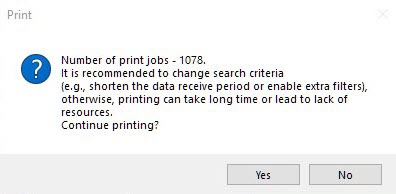
| Info | ||
|---|---|---|
| ||
If the search results contain more than 1000 entries, the report may not be generated, because Windows does not allocate more than 2 GB of memory to the x86-bit processes. |
Click Yes to continue. Click No to come back to return to change the search criteria.

