
Ir al centro de documentación
Contact technical support

Page History
There are 6 types ofExisten 6 tipos de licencia del VMS Axxon One license: Axxon One Demo,Axxon One Free, Axxon One Start, Axxon One Professional, Axxon One Enterprise and Axxon One Unified. Upon installation, the software will be launched in Axxon One Demo mode. Worktime period is from 8 AM to 6 PM.
You should activate Axxon One VMS to utilize the full feature set of the security software package. You can activate the software by distributing an activation key on the system.
License activation for the Axxon One software package is carried out through the corresponding utility. Launch the product activation utility using Start menu: Start → All programs → Axxon One → Utilities → Product activation.
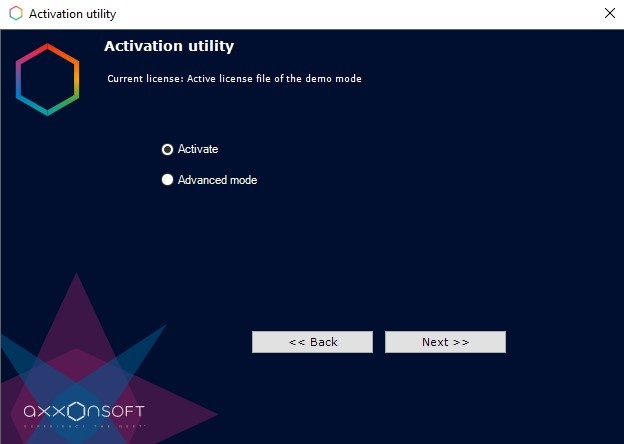
Enterprise y Unified. Al instalarse el software, éste se iniciará en modo de demo. El horario de operatividad y funcionamiento del sistema en modo Demostración es de 08:00 a 18:00. Si desea obtener un funcionamiento completo del sistema de seguridad, será necesario activar el VMS Axxon One. La activación del software se realizará mediante la distribución de una clave de licencia en el sistema.
La activación de las licencias del paquete de software Axxon One se lleva a cabo utilizando la herramienta correspondiente. Inicie la herramienta de activación del producto en el menú de Inicio: Inicio – Axxon One – Herramientas – Activación del producto
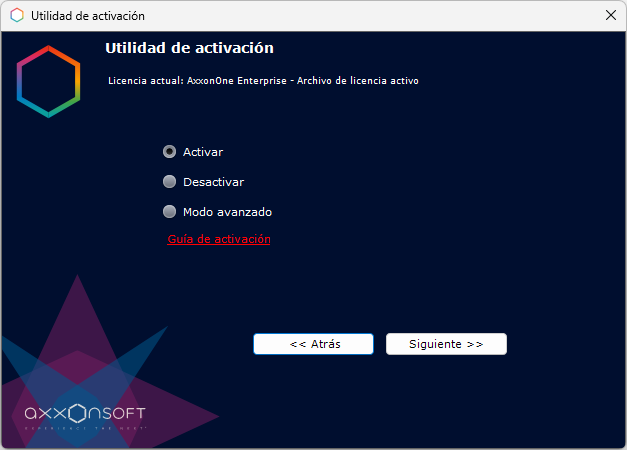
Es recomendable revisar el documento Guía de activación, donde encontrará recogidas las instrucciones necesarias para activar y actualizar cualquiera de nuestras licenciasIt is recommended that you read Activation guide providing step by step activation instructions.
Overview
Content Tools