
Go to documentation repository


Page History
...
- Click the date above the timeline to open the position selection panel.

- To set the playback position to the current time and date, go to step 6.
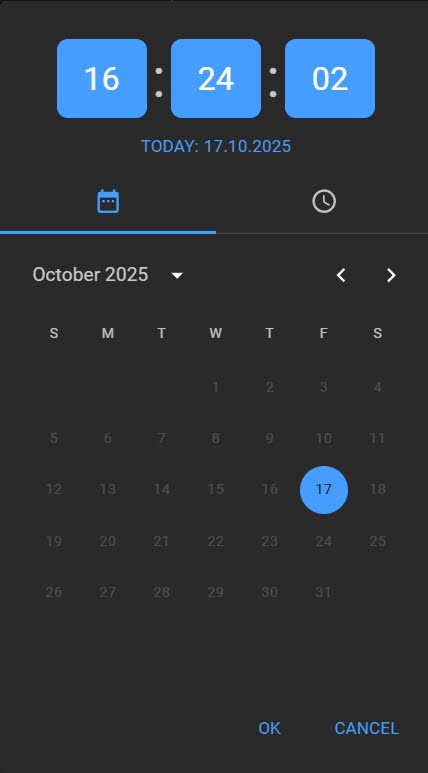
- Use the
 and and
  buttons buttons to select a month.
 Click the necessary date on the calendar to select a day.
Info title Note The days, for which there is video footage are in light shade.
- Set the required time.
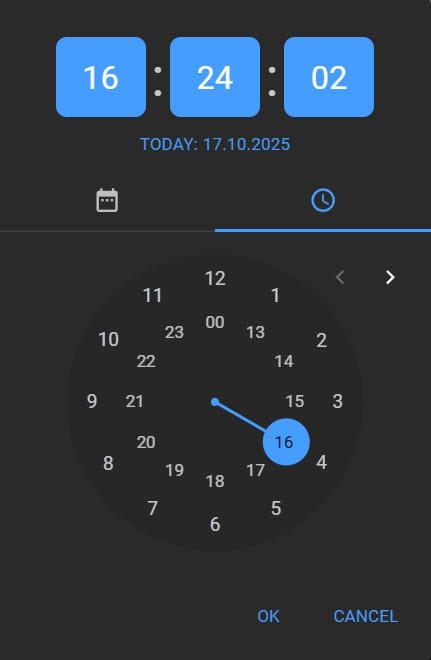
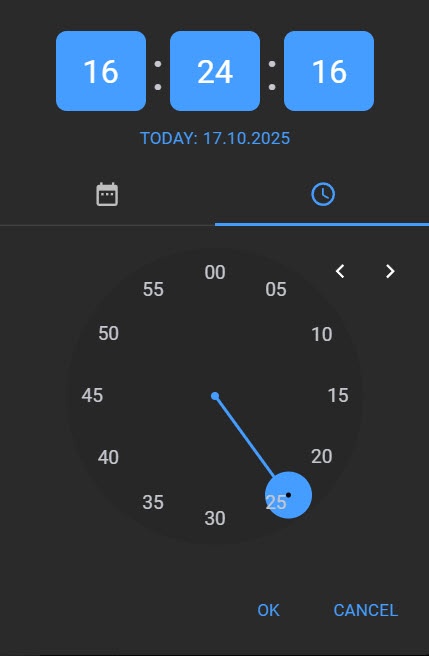
- To set the playback position, click the OK button.
...
Overview
Content Tools