
Go to documentation repository


Page History
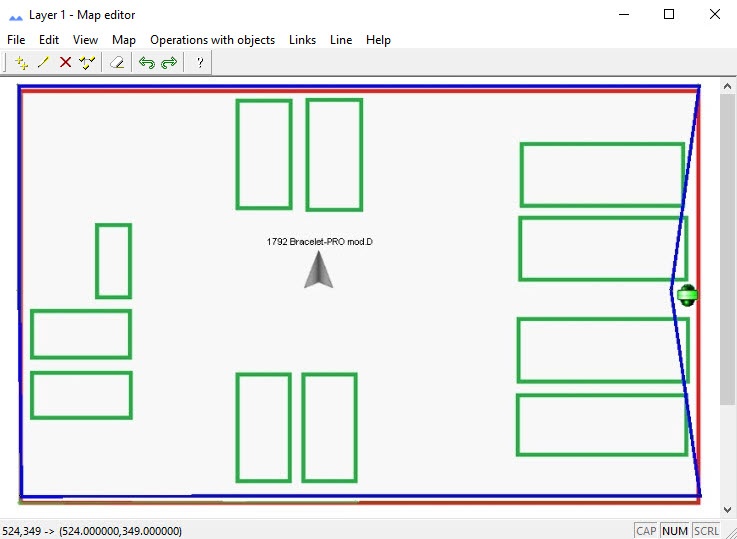
To set the camera FoV FOV on the map, it is necessary to you must add it to the map as the a polygon bounding limiting the area that is controlled by the camera . A beacon and in which there can be a beacon or a security bracelet can be located within the area. For details, see. (see Administrator's Guide, the Attaching objects to the layers layer of interactive map section in Administrator's Guide. If ). If a beacon or a bracelet is located within the this area, the camera can track it and display the video on the tracking surveillance monitor (see Enabling object Operator's Guide, the Object tracking on interactive map section). If a beacon or a bracelet moves to the other video area of another camera area, the first camera will is no longer be displayed on the tracking surveillance monitor, and the second other camera will be tracking the objectperforms the tracking function.
| Info | ||
|---|---|---|
| ||
You can configure the display of the camera viewing angle to be displayed on the Map — for detailsmap, see Configuring the dislay display of the camera viewing angle on the map. |
Overview
Content Tools