
Go to documentation repository


Page History
To set the object color, follow these stepsdo the following:
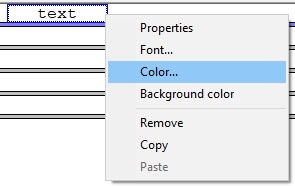
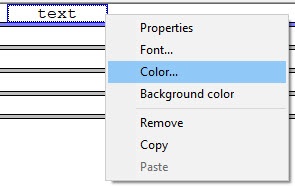
- Select the Colorfrom the ... item in the object functional menu.
- Using Select the standard color selection menu, select the color desired for the objectrequired object color using the standard Color window.

Setting the object color of the object is completedcomplete.
Overview
Content Tools