
Go to documentation repository


Page History
To save the license file, follow these steps:do the following:
- Launch the Activation utility (see Activation utility for Linux OS).
- On the main page of the activation
- utility, select
- select Advanced mode and click the Next
- .
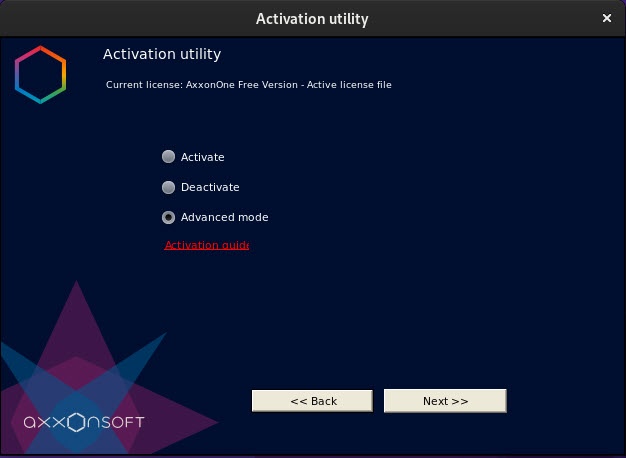
- Click the Next >> button.
- Select Save license file and click the Next
- .
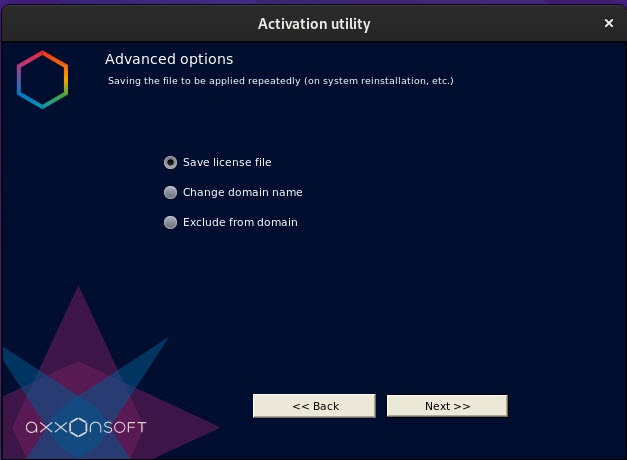
- Click the Next >> button.
- Save the license file in one of the following ways
- methods.

- Click the
-
 button in the
standard Windows dialog -
- standard dialog box to browse for file location and enter the name.
- Click the
-
 button. The folder that contains the request file opens.
 - Drag and drop the
-
-
 image to the destination folder.
-
Saving the license file is complete. To return to the license utility home screen, click Continuemain page of the utility, click the Continue button. To exit from , click the utility, click Finish button.
Overview
Content Tools