
Go to documentation repository


Page History
...
| Info | ||
|---|---|---|
| ||
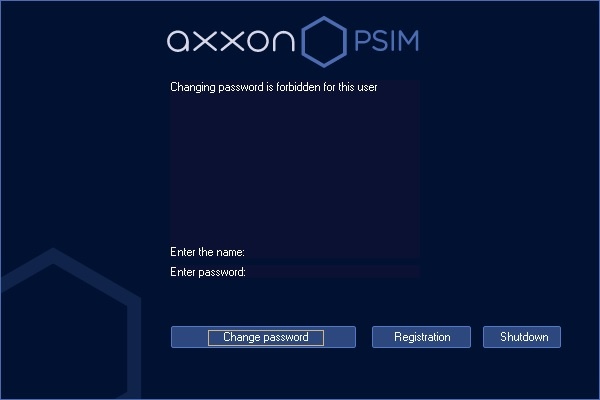
If the user is forbidden to change the password by request, the corresponding message will be displayed.: |
| Note | ||
|---|---|---|
| ||
| The new password shouldn’t coincide with must not match the old one. |
To start Axxon PSIM after entering the new password, click the Registration button.
...
- Move the cursor to the top right corner of the program window, then the main program control panel will appear;.
- Click the
 icon on the software main control panel;.
 - Choose the Log Off (User Name) option in the menu.
| Info | ||
|---|---|---|
| ||
The Log off (User Name) item is also available from the menu which is opened by clicking the User name may not display if User permissions user rights are not configured in Axxon PSIM. |

...
| Info | ||
|---|---|---|
| ||
When shutting down Axxon PSIM in Client configuration in a way that somehow differs from one listed above, particularly when restarting the computer without shutting down Axxon PSIM, the interface parameters may remain unsaved. For example, the data about saved layouts on the Video Monitor can be lost. |
| Info | ||
|---|---|---|
| ||
In some configurations Axxon PSIM shutdown (logging off) may be forbidden. Then no Log Off (User Name) option will be displayed in the menu. |
| Tip |
|---|
Launching the Remote Client is described on the Operations using the client page. |
Overview
Content Tools