
Go to documentation repository


Page History
...
- In the objects tree, set the checkboxes next to those objects which parameters configuration will be included in a template.

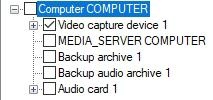
Click the left mouse button upon the object which parameters configuration is to be edited.
Info title Note. The set checkbox next to the required object is an obligatory term in order to edit the parameters.
As a result there is a list of object parameters with values, available for editing in the parameters from template field.Info title Note. In the parameters from Axxon PSIM configuration field there is a list of object parameters with values set in Axxon PSIM software. They can not be edited. 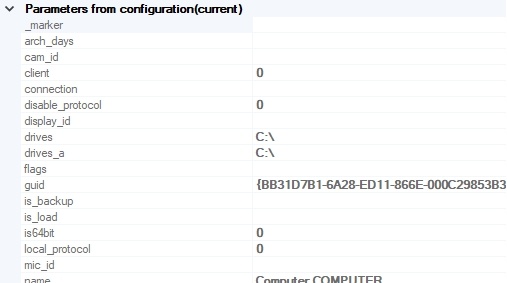
Info title Note. At the first start of the Configuration check tool, the current configuration of selected object is displayed in this field. 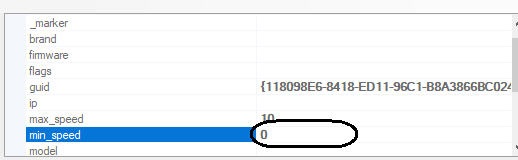
- Edit the object parameters. To edit the selected parameter, click the left mouse button upon the corresponding line with its value and edit it.
- Repeat steps 3 -4 for all objects, which parameters configurations are to be edited.
- Go to the File menu of the control panel and select the Save template item.

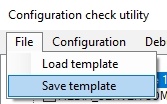
- Name a file and select the storage directory in the appeared window.

- Click the Save button.
...
Overview
Content Tools