
Go to documentation repository


Page History
...
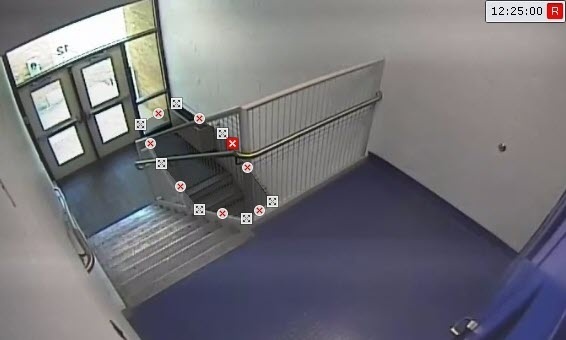
By default, the entire frame is a detection area. In the preview window, you can specify the custom detection areas and skip ignore areas. To specify areas, right-click the frame and select the required area (see see Configuring a skip the ignore area, Configuring a detection area).
...
- if you specify only detection areas, no detection is performed in all other parts of the frame;
- if you specify only skip ignore areas, detection is performed in all other parts of the frame.
| Info | ||
|---|---|---|
| ||
|


...
Overview
Content Tools