


Page History
...
- Download the distribution kit of a new version of AxxonData using the link.
Note title Attention! When you update from AxxonData 3.25, you need to move files from the folder C:\ProgramData\AxxonSoft\AxxonData\backup to the folder C:\ProgramData\AxxonSoft\AxxonData\images.
- Run the installer of a new version of AxxonData as Administrator. You don't need to uninstall the prevous previous version.
- Perform the installation. The steps repeat the installation procedure (see Installation of AxxonData).
- Set the checkboxes next to the components that you want to install:
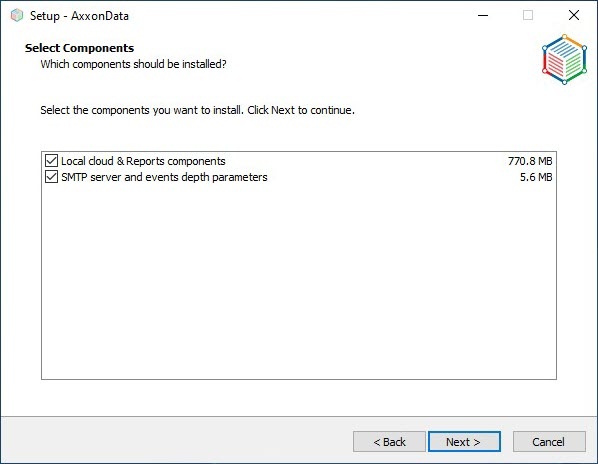
- If you want to update only AxxonData and PostgreSQL 10:
- Set the Local cloud & Reports components checkbox.
- Click Next.
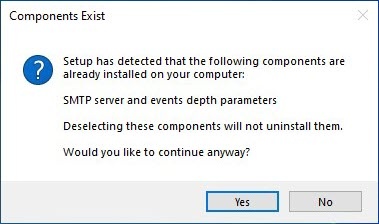
- In the window that opens, click Yes:
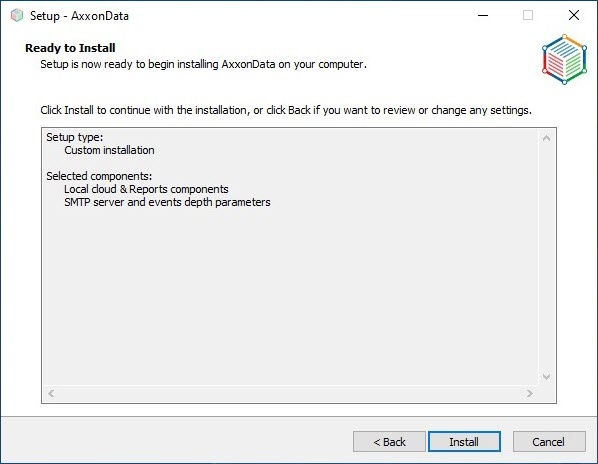
A window opens to confirm the installation of the selected components of AxxonData: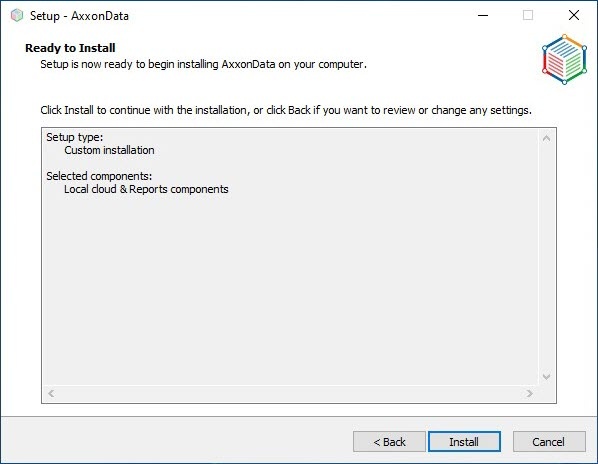
- If necessary, update the parameters of the SMTP server and depth of event storage:
- Set the SMTP server and events depth parameters checkbox.
- Click Next.
- If you want to update only AxxonData and PostgreSQL 10:
- Click Install:
Installation of AxxonData and PostgreSQL 10 starts. - Update the SMTP server parameters (see Updating the parameters of the SMTP server).
- Click Next.
- Update the depth of event storage in days. By default, it is 60 days.
- Click Next.
- Click Finish and restart the computer.
...
Overview
Content Tools