
Go to documentation repository


Page History
You can use the Menu... item of the context menu to launch external applications from the Control Panelpanel.

You use the IP address of any object.
...
- Right-click the area that contains the object's name. The context menu opens. Select the Menu... menu item. Then the Menu... dialog box opens.
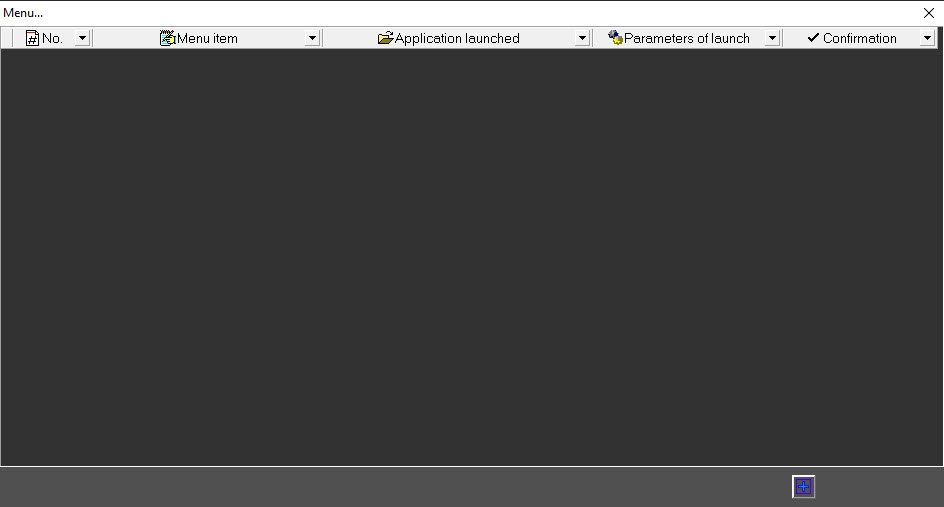
- In this dialog box, click the button
 (Add entryrecord) and enter values as shown in the following figure.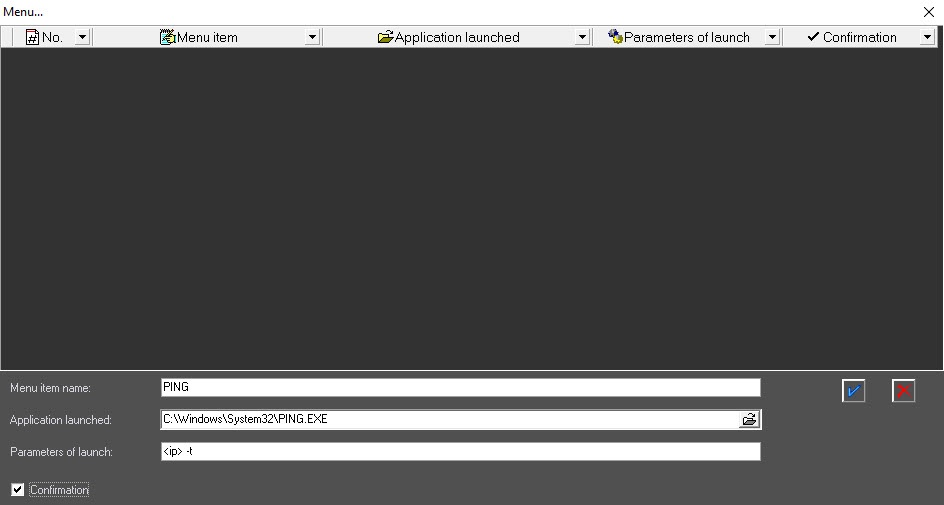
The <ip> string is a reserved expression. When application is called, the real IP address is inserted. Type this string in lowercase. - Click the button
 (OK). The Menu... window shows a new entry that describes the new context menu item.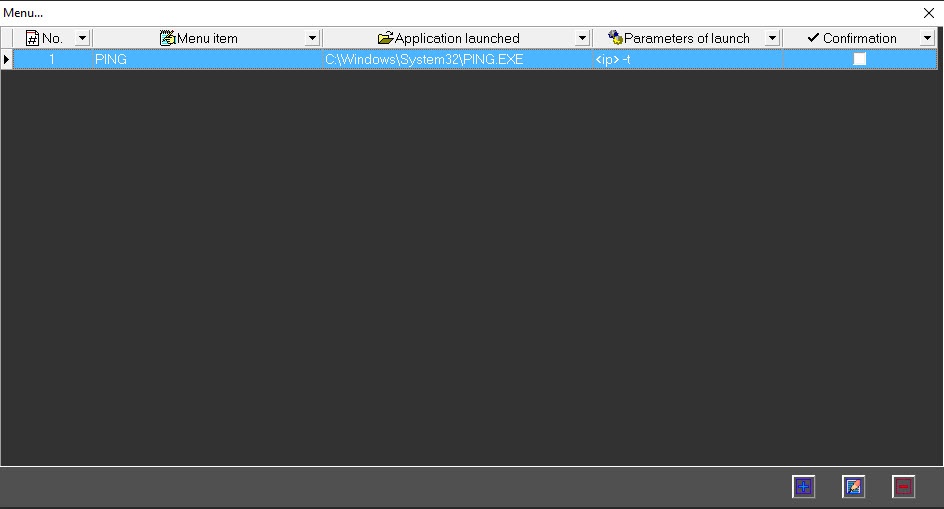
Now, when you right-click on the area with the object name, a context menu will appear with the newly created PING item.
...
Overview
Content Tools