
Go to documentation repository


Page History
...
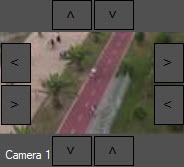
The layout creation panel allows you to get a visual idea of how the layout will look on the video surveillance monitor. On this panel, you can also drag the surveillance windows, add new rows and columns, and resize the surveillance windows using the >, <, ∨, ∧ buttons. If the layout was created using the display manager, then the frames displayed on the camera at the moment when it was added to the layout are displayed in the surveillance windows. If the layout is created using the video surveillance monitor, then in order to display these frames in the surveillance windows, you must click the Refresh button.
Overview
Content Tools