
Go to documentation repository


Page History
...
- Go to the Hardware tab in the System settings dialog box.
- Select the Tracker object in the objects tree on the Hardware tab.
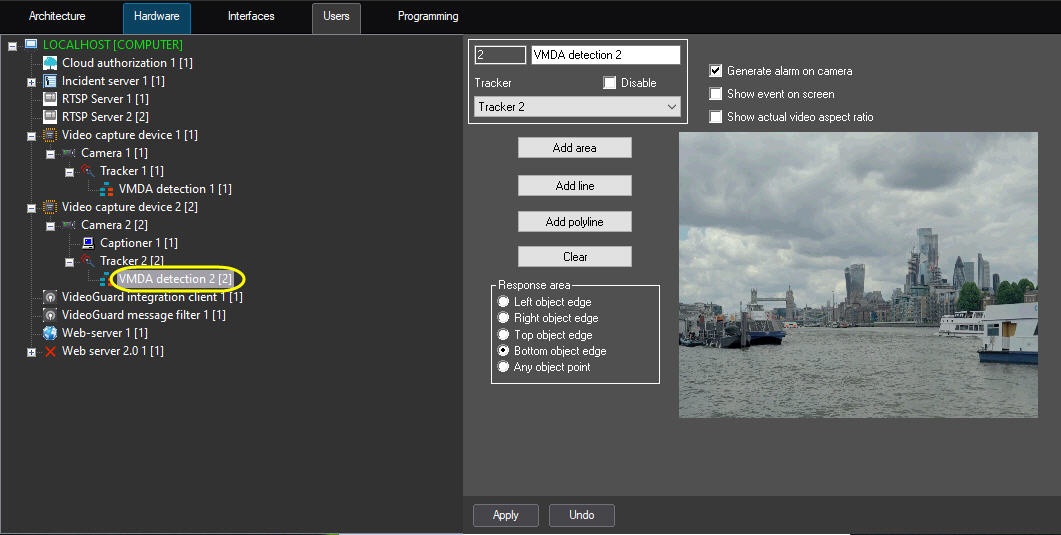
- Create the VMDA detection object on the basis of the Tracker object. The settings panel of the VMDA detection object will be displayed in the right part of the Hardware tab.
| Info | ||
|---|---|---|
| ||
| Video from the camera on the basis of which the VMDA detection object is created is displayed in the Video field. |
...
Overview
Content Tools