
Go to documentation repository


Page History
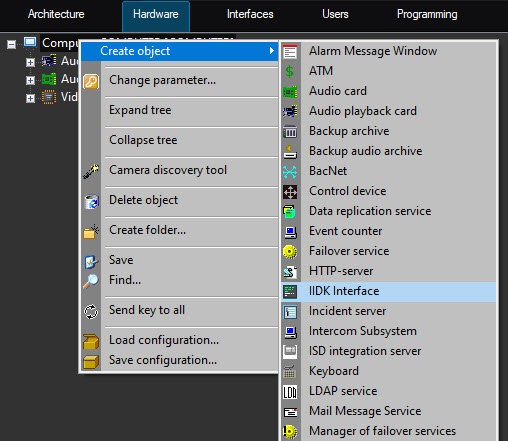
With the IIDK Interface object one can You can use the IIDK interface object to manage all the elements of the system. The You can create the IIDK Interface object is created under the Computer object in on the basis of the Computer object in the Axxon PSIM object tree.
| Info | ||
|---|---|---|
| ||
To use the IIDK Interface object, allow the relevant functionalitythis feature must be enabled in the licenseactivation key. | ||
| Info | ||
| ||
If If you start Axxon PSIM is started in the Axxon PSIM Demo demo mode, the the IIDK Interface object is activated after the functional module is connected to the system core (see Connectsection). |
| Note | ||
|---|---|---|
| ||
The When you connect to the video subsystem (port 900), the ID of the the IIDK Interface object object must not be the same as the IDs of the the Monitor objects created in the system. |
If you use the IIDK Interface object is used object, the settings panels are not created for the integrated functional modules (third-party applications) aren't created.
When you use the Axxon PSIM distributed distributed architecture is used, you must create the IIDK Interface object must be created on the computer that is running the software core (the core to which the connection is made). If the connection is made to a computer that has the Operator Workstation installedthe Client installed, the connection parameters must include the IP address of the Server or the Administrator Workstation. or the Administrator's workstation.
Overview
Content Tools