


Page History
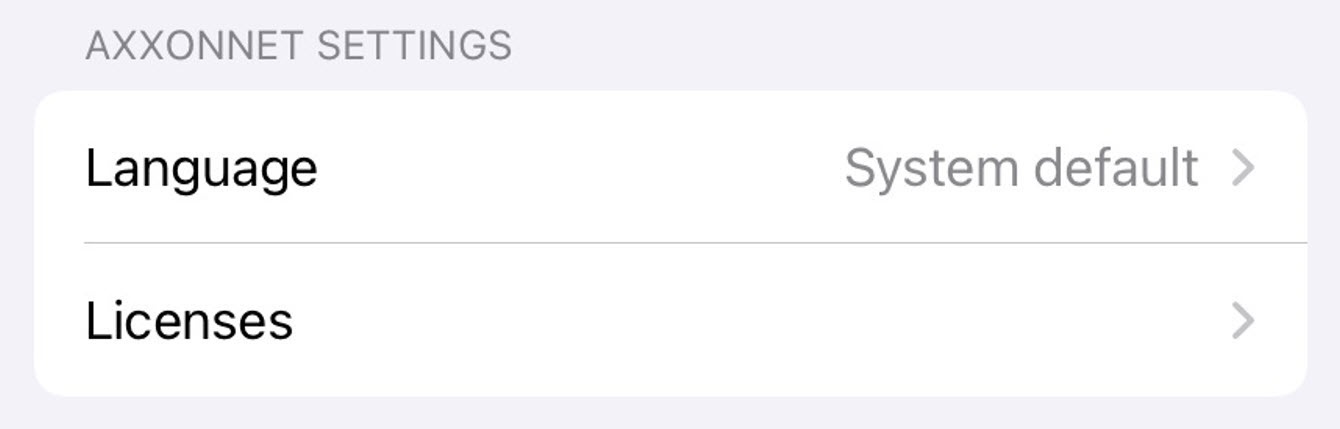
The Client system settings are displayed in the AXXONNET SETTINGS.
The Version (1) parameter displays the current version of the AxxonNet iOS mobile client.
To change the Client interface language, select in the Language (2) parameter to proceed to the sub-menu to parameter, select the required language. By default, the system language of the iOS mobile device is selected.
If it is necessary, select Select the Licenses (3) parameter to proceed to the sub-menu where all parameter to view the licenses of used by the Client are displayedlibraries. To get the additional information, select the appropriate license.
| Info | ||
|---|---|---|
| ||
|
Overview
Content Tools