


Page History
The User rights interface The interface of the User permissions tab consists of the following elements:
- The Users tab that you can use to manage user accounts (see The Users tab).

This tab displays all accounts registered in the system. It consists of two sections:- Users that you can use to manage accounts, assign roles, and add users to domains.
- Cloud permissions that you can use to assign cloud roles.
- The Domains tab (see The Domains tab) that you can use to:
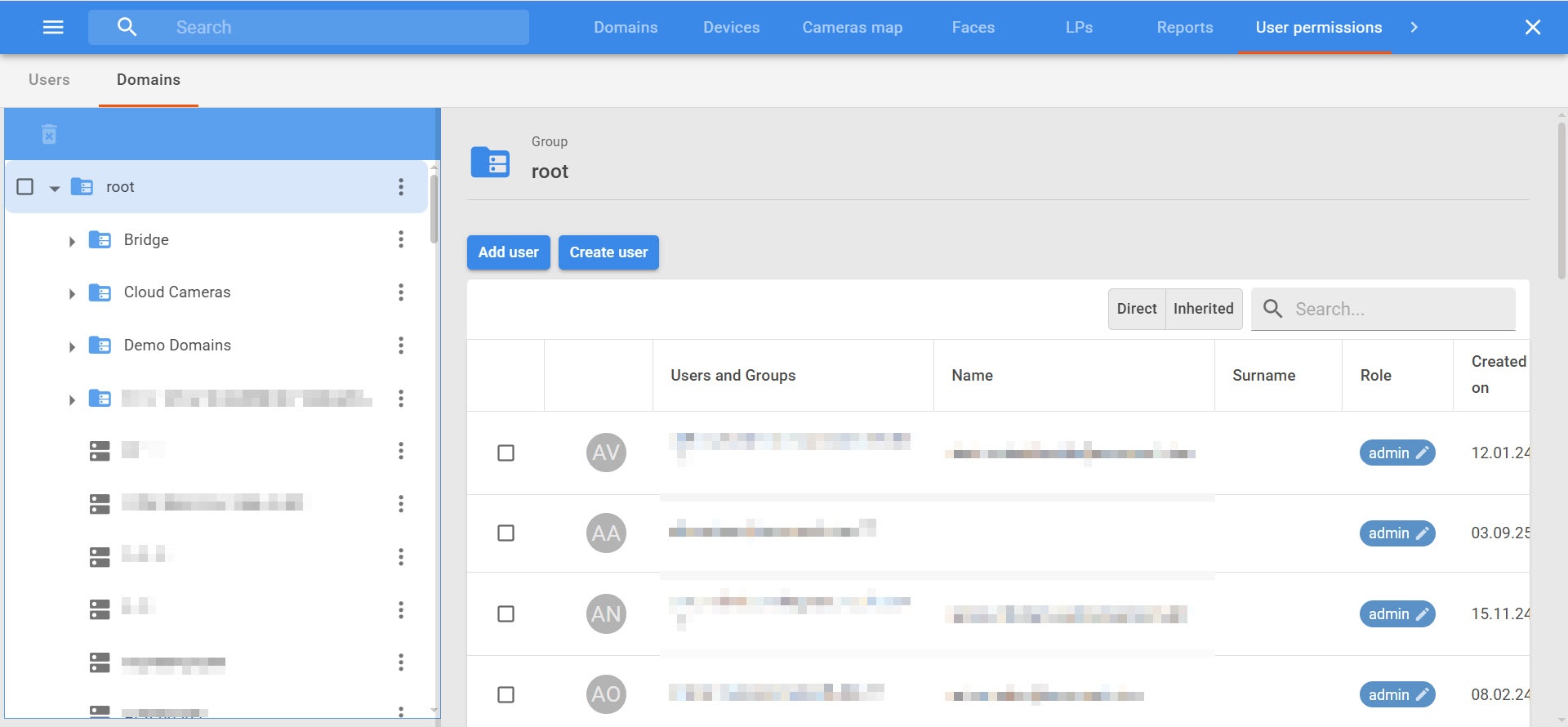
- Manage domains and user access permissions.
- Assign domain roles and separate access permissions.
- Control expiration dates of accounts.
- For global roles:
- List of global roles (1).
- List of users (2).
- Adding users (3).
- For domain roles:
- User groups tree (1).
- Domain groups tree (2).
- When you select a user group or domain group, the central part displays the groups and users/domains that are included in the selected group (3). When you select a user group or domain group, the right part displays the settings panel, where you can assign policies for the selected group (4).
Overview
Content Tools