
Go to documentation repository


Page History
...
- Controls are on top of the video image, buttons for selecting the video surveillance mode are inside the window.
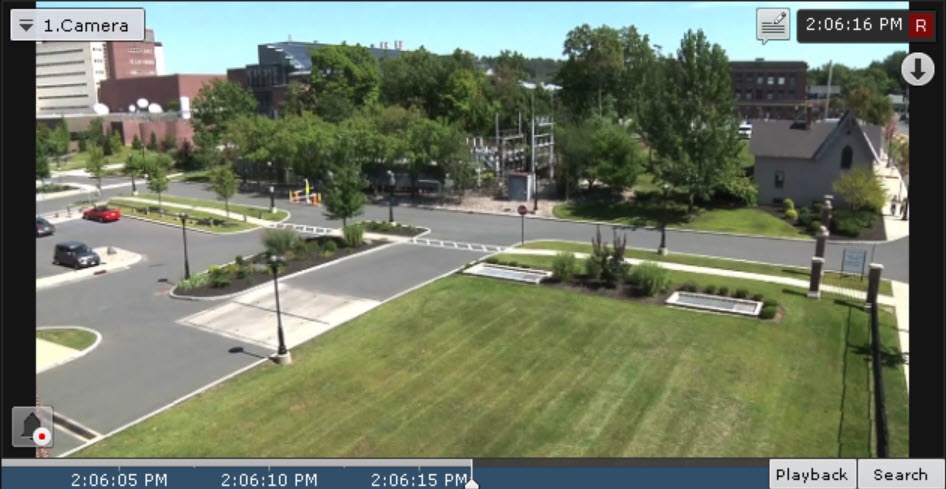
- Controls are on top of the video image, buttons for selecting the video surveillance mode are outside the window.

- Controls are outside the video image, buttons for selecting the video surveillance mode are inside the window.

- Controls are outside the video image, buttons for selecting the video surveillance mode are outside the window.

There are two states of the Surveillance window on the layout: active or inactive.
When the Surveillance window is in an active state, the advanced navigation panel (see Advanced Archive Navigation Panelarchive navigation panel) and the tabs for selecting the video surveillance mode are available (see Video Surveillance Mode Selection Tabs).
...
Depending on the settings, all controls of the Surveillance window (see Configuring the display of the surveillance window) can be hidden in an inactive state.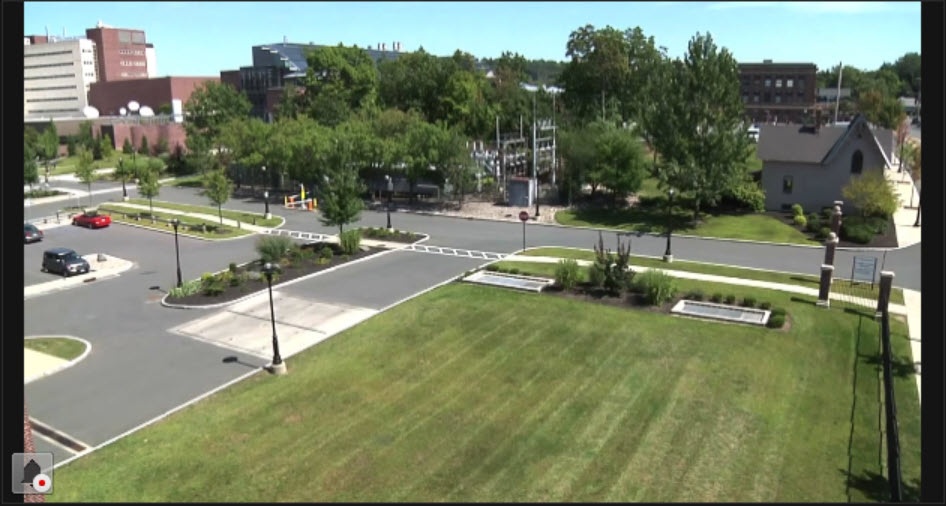
To copy the camera name to the clipboard, right-click it  . For a detailed description of the functions of the Surveillance window, see Video surveillance.
...
Overview
Content Tools