

Signing A Jira account is necessary for being able to track progress required for tracking the processing of your request and keeping full historya complete history of interaction with it. Thus, it 's absolutely required to proceed.
Please, follow these steps:
...
- e-mail address will be used to keep contact with you
...
- You'll get a mail message when sign up is complete
is absolutely necessary in order to proceed.
Sign up into Jira as follows:
- Open the registration form.
- If you do not have an account on the site yet, click the Create an account button:
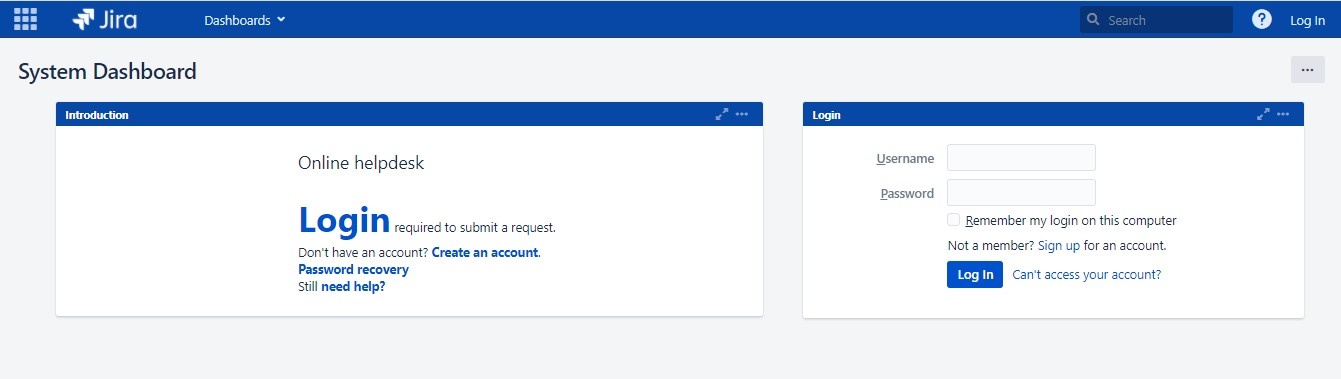
- Fill out the form, all fields are required:
- Click Sign up. A confirmation email will be sent to the email address you have specified during the registration.
- Check your email. In the received letter, click the link to confirm the registration.
Registration is complete, now you can submit a request.
...