
Go to documentation repository

Previous page Next page

The STX-1000 controller connection is configured as follows:
- Go to the settings panel of the STX-1000 object, which is created on the basis of the Controller group object.
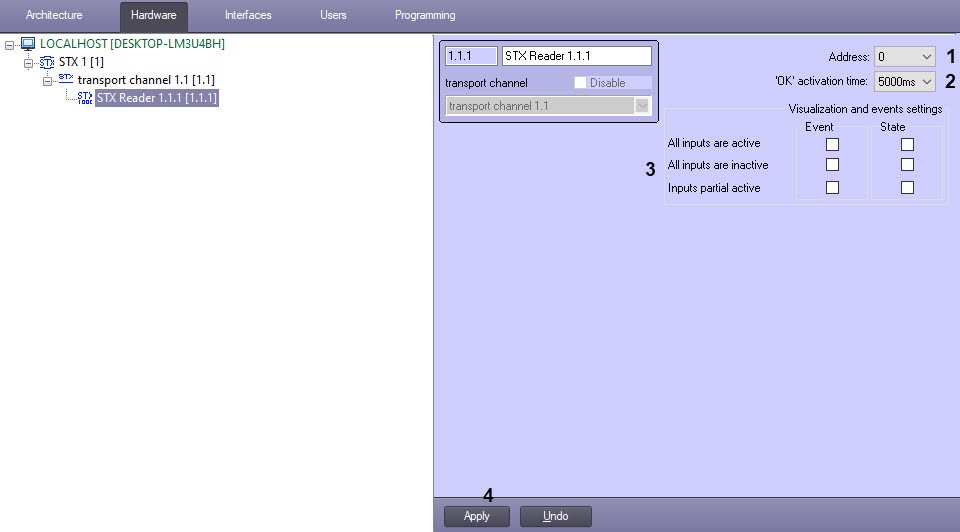
- In the Address field (1), enter the physical address of the controller.
- In the Ping (sec) field (2), enter the time period of checking the device communication status in seconds.
- In the Polling rate (sec) field (3), enter the time period of requesting the controller events in seconds.
- Click the Apply button (4).
The STX-1000 controller connection is now configured.
Overview
Content Tools