
Go to documentation repository


The Updates tab lists the available update files and their length:
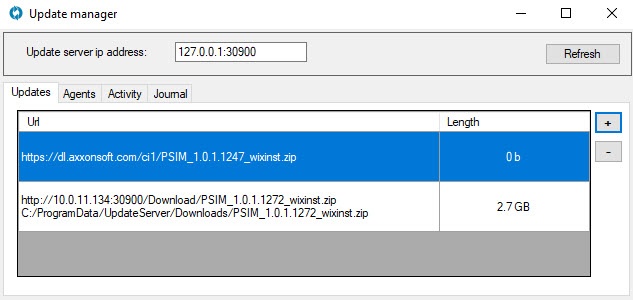
To add a new update package, do the following:
- Click +:
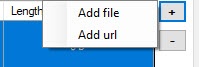
- Select a package depending on the file type:
Add file: a standard Windows File Explorer window opens in which you need to specify the path to the zipped update package.
Add url: in the window that opens, enter the link to the file and click Add. Requirements:
the direct link to the file, that is, the link must lead to a direct download of the installation package in ZIP format;
the link with public access, that is, no authorization required to download.
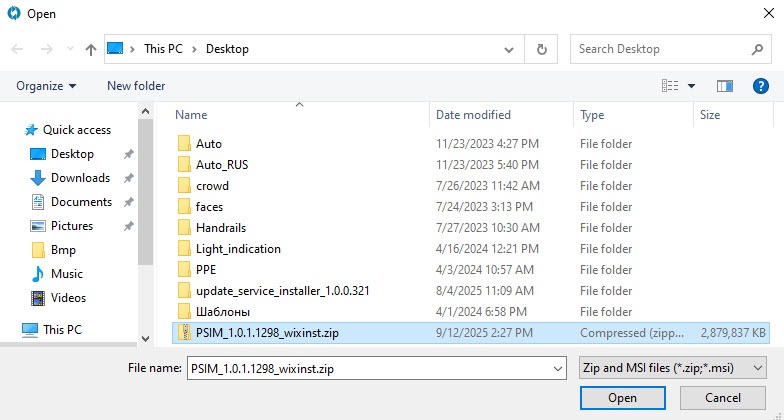
As a result, the selected packages appear in the list.
To delete a package, select it in the list with a mouse and click  .
.
Overview
Content Tools