Installation of Monitoring Light is performed in the following sequence:
- From the installation kit, start the executable file setup.exe. A dialog box appears, informing of the beginning of installation.
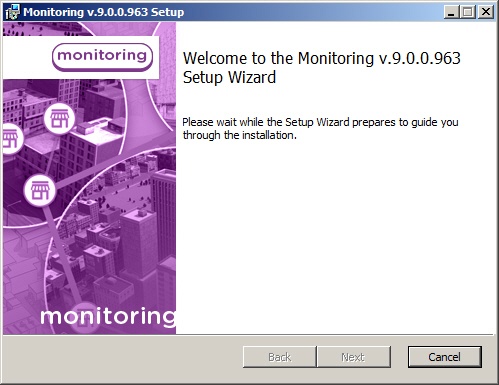
- A prompt to start installation then appears. Click the Next button.

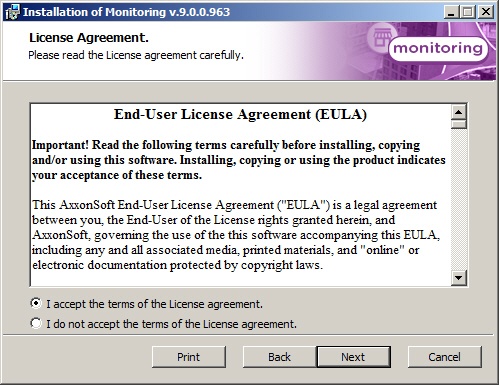
- The License Agreement window presents the terms of the end user license agreement. Select I accept the terms of the License Agreement and click the Next button.
- On the next screen, select the Additional client workstation installation type. Click Next.

- A dialog box to configure database connection will be displayed. Select the database server name and set up the connection parameters.

- In the Database field specify the name of existing database or select it in the list of databases, which are created in the server, and click <<.

Specify the export catalog path. This catalog will contain video data received from Agent of control.

- Specify IP-address and port for connection to Server of control communication module videosrv.

- Click Install on the next pane.

- The installation process is launched.

- When installation is complete, a wizard page appears with a message about successful installation. Click the Finish button.

Installation of Monitoring Light is complete.