On default the language of installer and installation language of ACFA Intellect are defined on the basis of language which was in use while base Intellect installation.
Procedure of changing the Intellect language is presented in Intellect Software System's interface language.
To change the ACFA Intellect language, do the following:
Change of the ACFA Intellect localization language is completed.
Example of changing the ACFA Intellect language from English into Spanish is below.
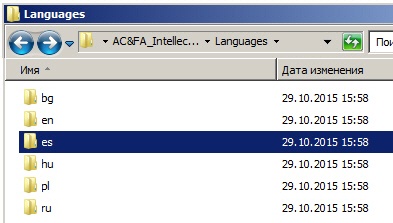
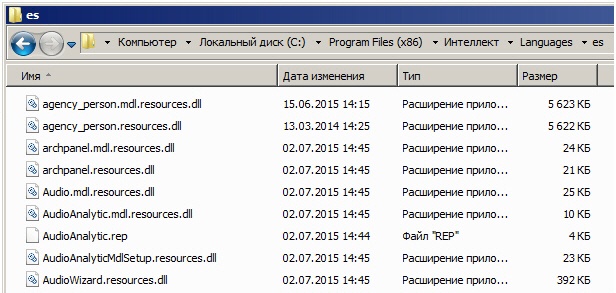
Intellect and ACFA Intellect were installed in English. Using the language pack from the AxxonSoft website, the language of Intellect was changed into Spanish (see Intellect Software System's interface language). To change the ACFA Intellect localization language into Spanish, copy localization files from the AC&FA_Intellect.v.5.4_lang\Languages\es folder to the <Intellect installation directory>\Languages\es and update the database structure.