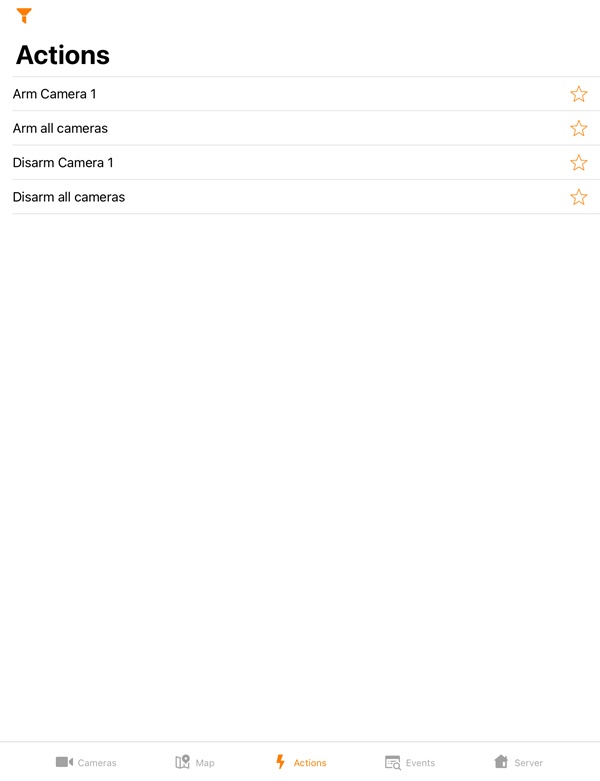
To run a macro, go to the Actions tab and select the required action.
The list of available macros depends on the Server macros to which the mobile client is connected (for Intellect see Creating and configuring Macro events, for AxxonNext see Configuring Macros). |
To open the macros filter, click the  button in the upper left corner and select the filter:
