All detection tools available are shown.

To create a new detection tool for a camera:
Creation of the detection tool is now complete.
To create a detection tool for situation analysis, you must first create the corresponding object. It will be used as a basis for all situation analysis tools.

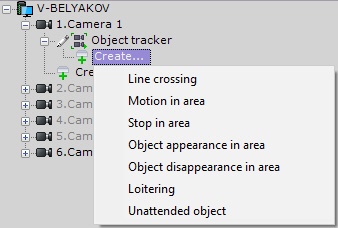
Furthermore, you create Scene Analytics based on VMD and the Motion Mask's metadata (see Settings Specific to Video Motion Detection).
To enable Scene Analytics detection tools under a basic VMD, you have to activate the object tracking option in its settings. |
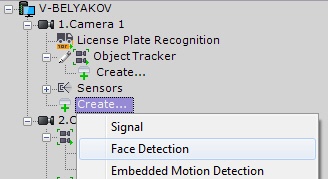
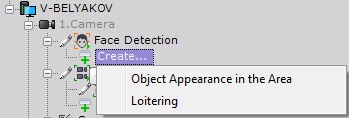
Facial recognition tools are created in the same fashion: the basic Face decetion object and its derivative detection tools.
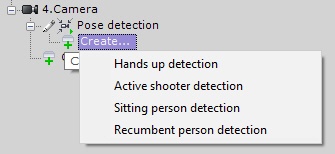
A posture detection tool is created under a parent Pose Detection object.
You can create a detection tool of the same type for a number of cameras. To do this:
 button and select the cameras for which you want to create the same detection tool.
To remove a detection tool, select the parent object and click Remove. To disable, select No in the Enable field.
When you delete a detection tool all its metadata is also deleted. If you have deleted a detection tool, you cannot search its video with the forensic MomentQuest search. |
