
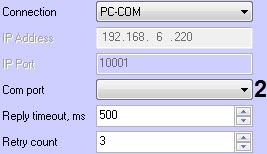
- PC-COM - connection using a Premier Elite PC-Com device. From the Com port drop-down list (2), select the connection COM port.
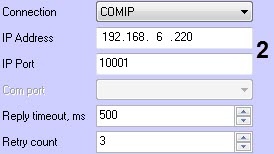
- COMIP - connection using the ComIP module. In the IP Address and IP Port fields (2), enter the IP address and IP port of the connection, respectively.
Click Apply (7) to save the changes.
If the connection is successful, the protocol version of the data exchange protocol will be displayed in the Protocol version field (8), and the panel type and firmware version on which the panel controller is running will be displayed in the Panel identification field (8). |