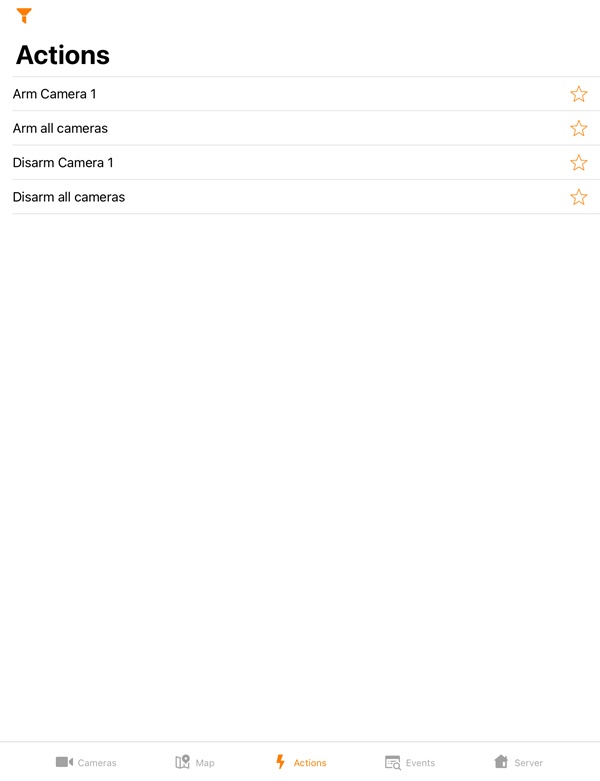
To execute a macro, go to the Actions tab and select the required macro from the list.
The macros in the list are sorted alphabetically as follows:
The macros in the list can be filtered using the  button. By default, only the macros created by the current user on the Server are displayed. Frequently used macros can be placed at the top of the list, or you can create a separate list with favorite macros. Use the
  button to mark the macros as favorite. To filter the macros, click the button and select the appropriate filter type:
You can also run macros from the Intellect map (see Using macros in AxxonNet iOS mobile client). |