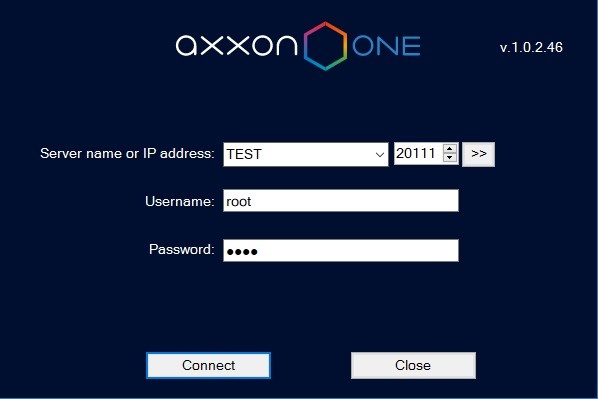
Axxon One will start and an authorization window will open.
Before you start Axxon One, check the readiness for operation of the entire communication environment, cameras, microphones and other system components.
To start working with the software, do the following:
When logging into the system for the first time, use the username root, which has administrator permissions. Enter root into the Username and Password fields. The administrator then needs to configure the system for multi-user access. |
If authorization is successful, a video surveillance monitor will be displayed on the screen.
Before closing Axxon One, you need to exit the user interfaces. To do this, you need to do one of the following:
 button located on the Settings tab.
When you perform one of these actions, the authorization window will appear. To close Axxon One (completely exit the Client), click the Close button.