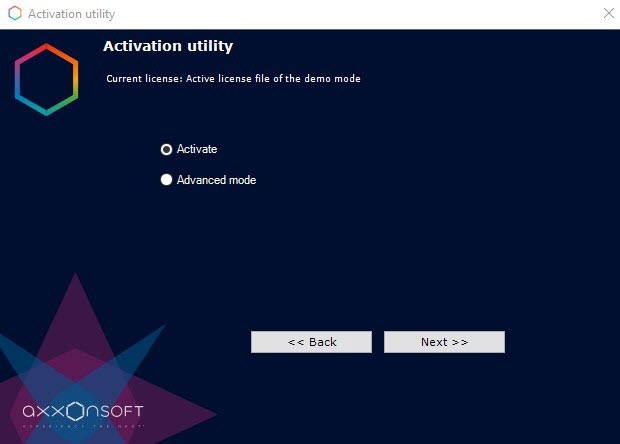
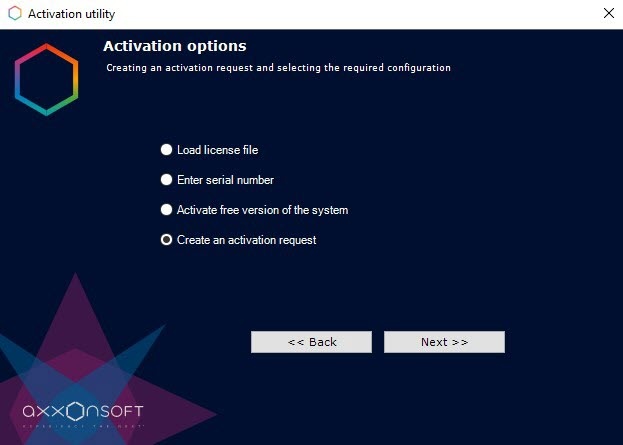

- Click the
 button in the standard Windows dialog box to browse for file location and enter the name.
 - Click the
 button. The folder that contains the request file opens.
 Drag and drop the
 image to the destination folder.
When you create a request file, all servers in the Axxon domain must be online. If the server on which you are creating the request file, cannot connect to any selected server, the request file cannot be created.