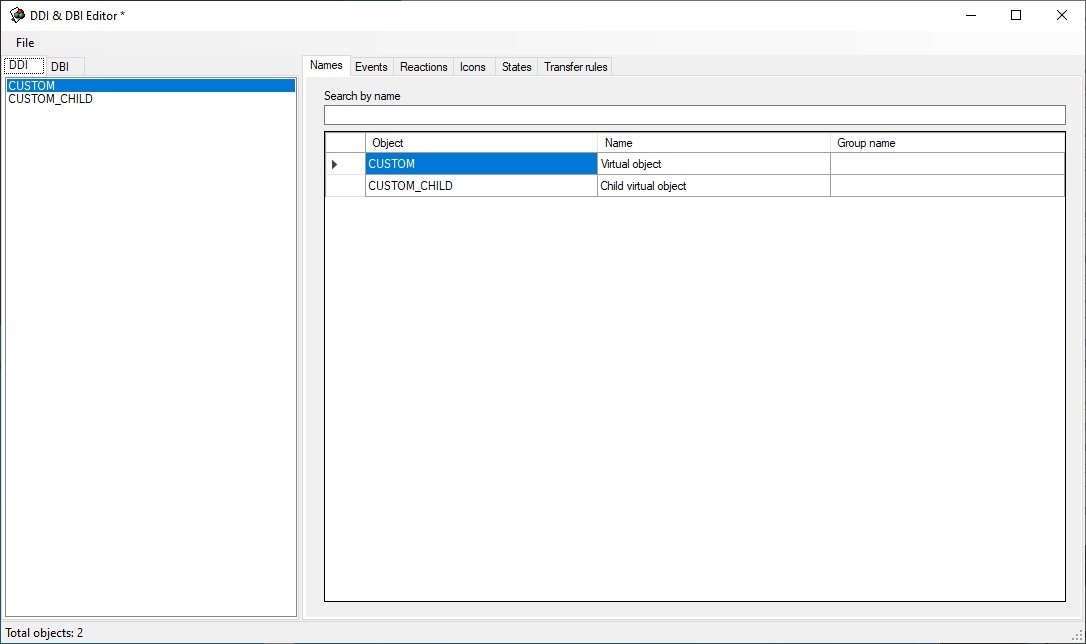
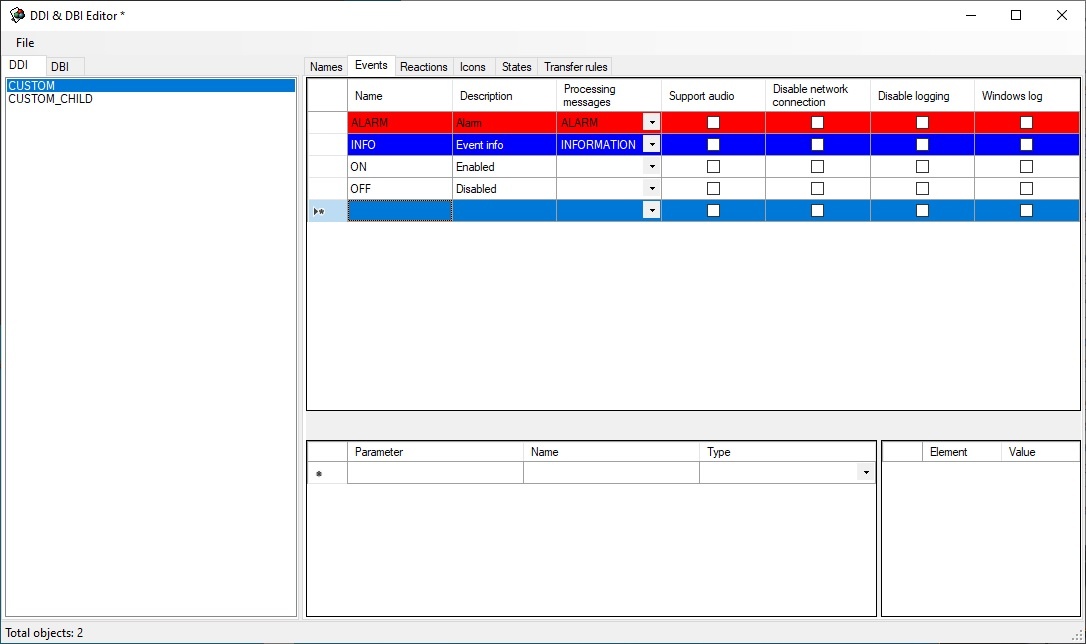
Go to the Reactions tab and configure reactions that must be supported by the object (see the figure).
Reactions of custom objects are automatically converted into events. In other words, a custom object automatically generates an event when there is a reaction. |
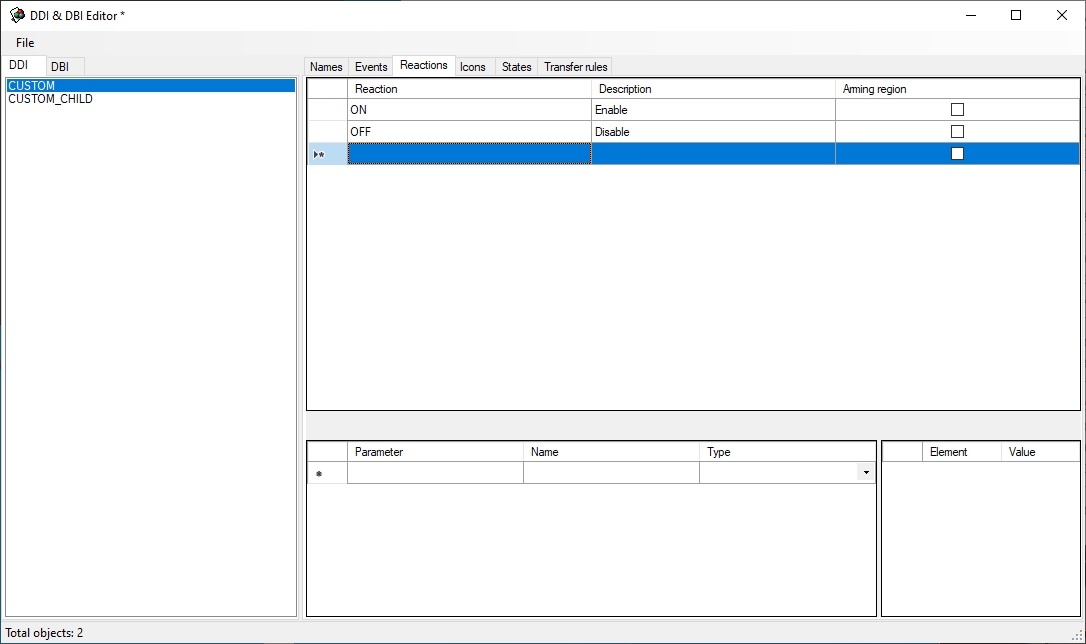
Go to the States tab and describe the states that the object can take. Here there are two states—ON and OFF.
| The postfix of file name is specified in the Image column—the image that is stored in <Axxon PSIM installation directory>\Bmp. For instance, these will be custom_off.bmp and custom_on.bmp files (corresponding to ON and OFF states) for CUSTOM object. These files will be used by the map module. |
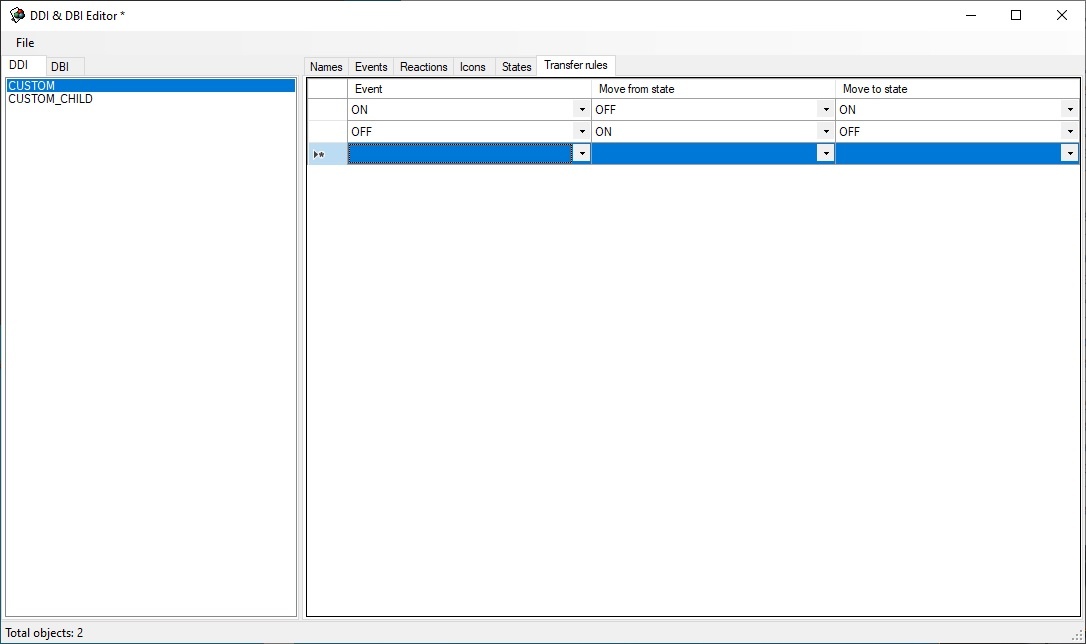
Transition rules is a simple state machine—an event is an input action and a state is a result.
An unconditional transition is used in this case: if CUSTOM||ON event is received, then there is transition to the ON state, if CUSTOM||OFF event is received, then there is transition to the OFF state.