
Window for inputting object code and card code opens.
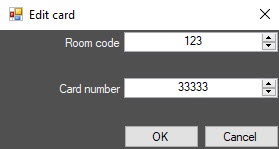

To input access card number manually, do the following:
Manual input of the access card number is complete.
You can also input the access card number manually using the corresponding buttons (see Specifying user parameters). |