
A dialog box opens, allowing you to choose an operation.
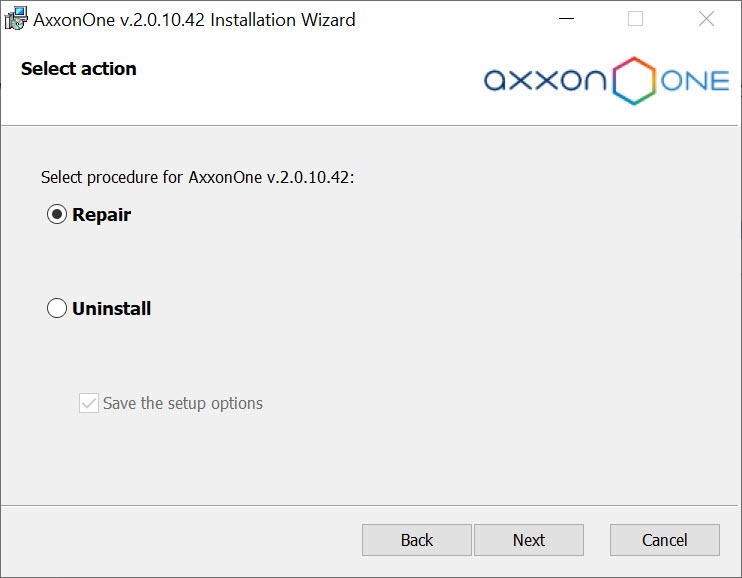
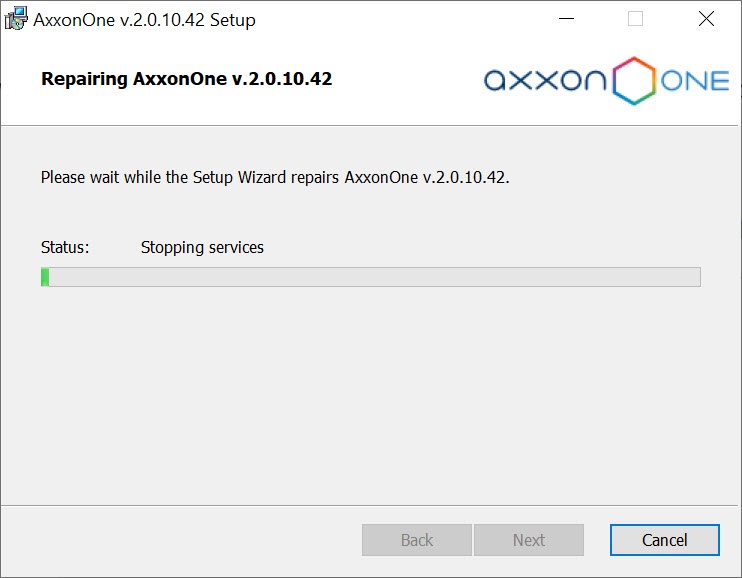

A repair installation is used to re-install all components of Axxon One.
To start a repair installation, launch Axxon One without removing the current installed version of the program.
To ensure that Axxon One is re-installed correctly, all related applications must be closed before starting the repair installation. |
You can run the Axxon One repair installation via one of the following methods:
When you do this, the setup wizard's welcome screen appears. To start a repair installation, you must observe the following procedure:
Repair of Axxon One is now complete.