To protect a video, create a bookmark—a special case of the operator comment (see Operator comments).
To create a bookmark, do the following:
Select the required camera on the layout and switch to the Archive mode (see Switching to the Archive mode).
If you need to protect the same archive interval for several cameras, switch the necessary cameras to the Archive mode. |
- On the timeline (see The Timeline), use the
 and
and  buttons to specify the archive interval that you want to protect from overwriting.
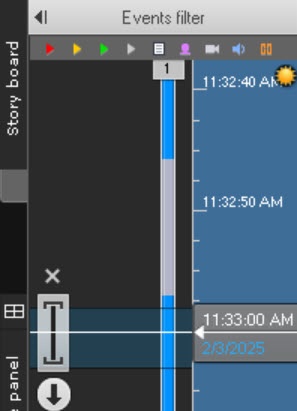
- Click the
 button in the Surveillance window.
 - Enter a comment.

- Click the
 button.
 - Set the All checkbox if you want to protect the specified interval in the archive of all cameras that are currently in the Archive mode.
- Click the Save button.
The newly created bookmark appears on the timeline.

The protected interval is highlighted in light grey, and its beginning is marked with the  icon. Click the
  button to delete the specified protected interval in the archive.