
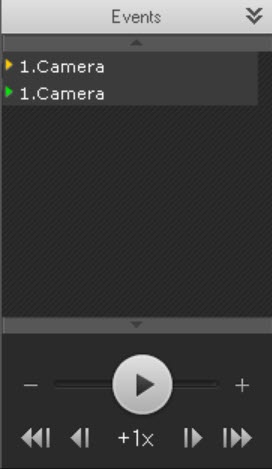
The Events List displays alarms and operator comments.
To display the events list, click the Events button.
The events list is now displayed.
| Whether or not a particular event is displayed in the list depends on the filter settings (see the section Events filter). |
| The list displays only the alarm events that are currently in the visible portion of the timeline. |
To hide the events list, click the Events button again.
When you place the cursor over an event in the list, detailed event information appears.

| Navigation through the archive by using the events list is described in the section Navigating using the Events list. |