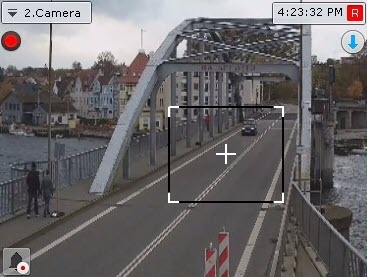
To zoom in on a video image, do the following:
Once you have completed the above actions, the selected area is displayed on the entire Surveillance window.

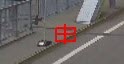
If you select an area that requires a zoom of more than 16x to display, it is marked with a red frame. In this case, video image isn't zoomed in. |