

- Click the
 button in the standard Windows dialog box to browse for file location and enter the name.
 - Click the
 button. The folder that contains the request file opens.
 - Drag and drop the
 image to the destination folder.
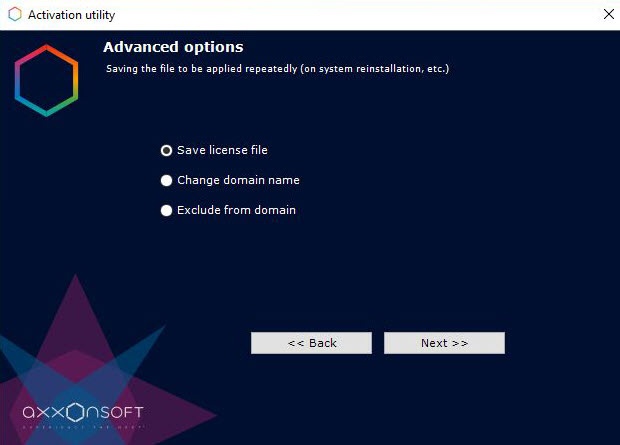
To save the license file, follow these steps:
button in the standard Windows dialog box to browse for file location and enter the name. button. The folder that contains the request file opens. image to the destination folder.Saving the license file is complete.
To return to the license utility home screen, click Continue. To exit from the utility, click Finish.