To register with AxxonNet, do the following:

A confirmation email will be sent to the specified E-mail address.
If you try to register the user which already exists in the system, the warning message Invalid login will be displayed.
|
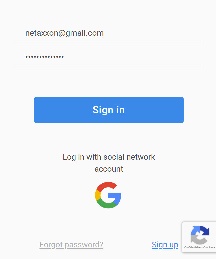
To authorize in AxxonNet, it is necessary to register, enter your Username/Email and Password, and click the Sign in button. You can also sign in with your Google account.

If you enter incorrect username or password, the warning message Invalid login or password will be displayed.
|
When you sign in with your Google account, you'll be automatically redirected to AxxonNet and prompted to set a password.

Use it next time you sign in.
To recover your password, click the Forgot password? link and do the following:
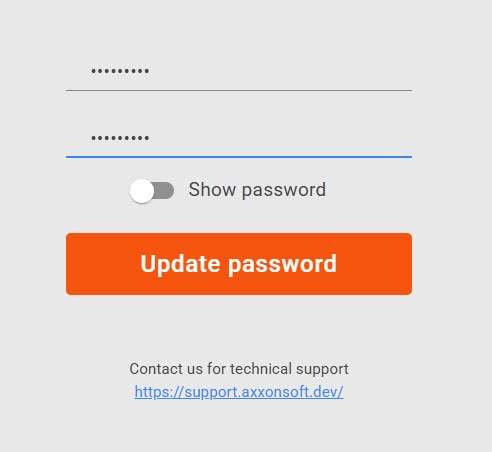
If you entering an incorrect or an unregistered Email, a warning message Invalid login will be displayed.
|
An email with further instructions will be sent to the specified E-mail.

Password updated successfully. Use it next time you sign in.
To change your password, do the following:
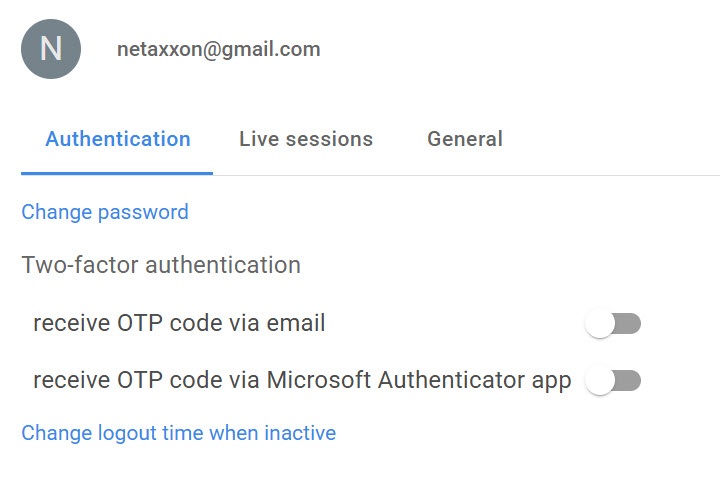 button.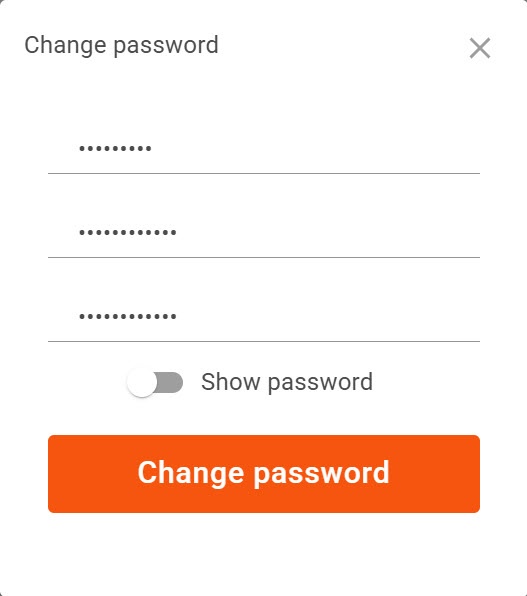
Enter Current password, and New password twice.
If you enter your current password incorrectly, the warning message Current password is incorrect will be displayed. |
Password changed successfully. Use it next time you sign in.