AxxonData is a local version of cloud service AxxonNet. AxxonData is compatible with Axxon One version 1.0.4 and with the Axxon Next archive product.
To run AxxonData, it is recommended to use a computer with a 1.0 GHz processor with two or more cores and 2 GB RAM.
Disk subsystem requirements: 1 GB to install AxxonData and at a rate of 1.5 MB = 1000 events to store the events from the detection tools in the database.
|
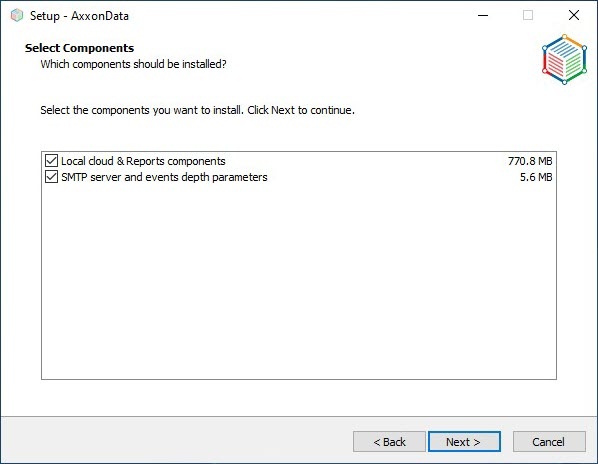
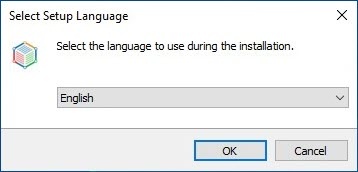
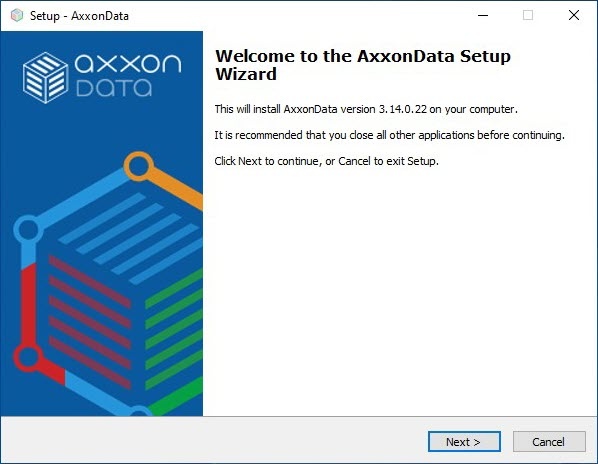
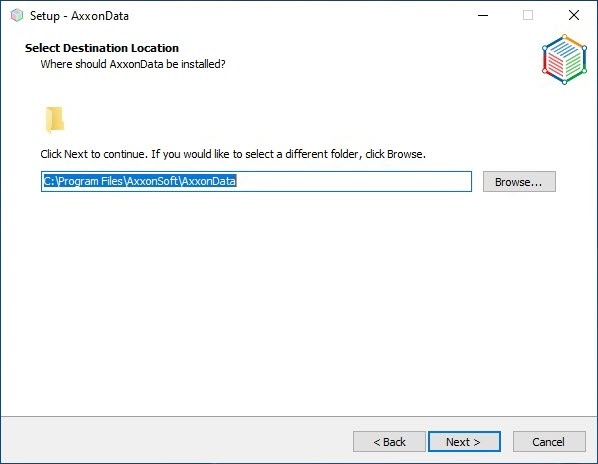
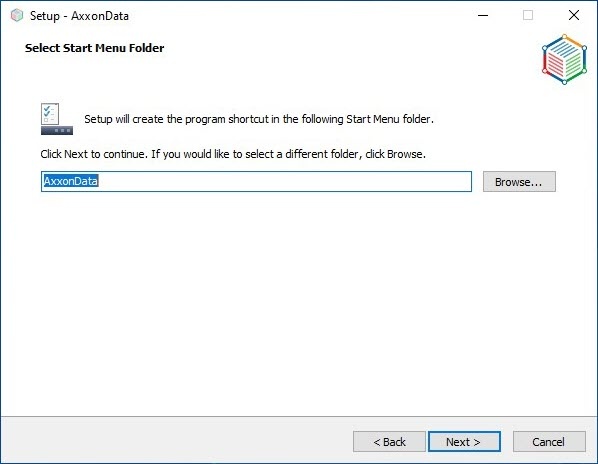
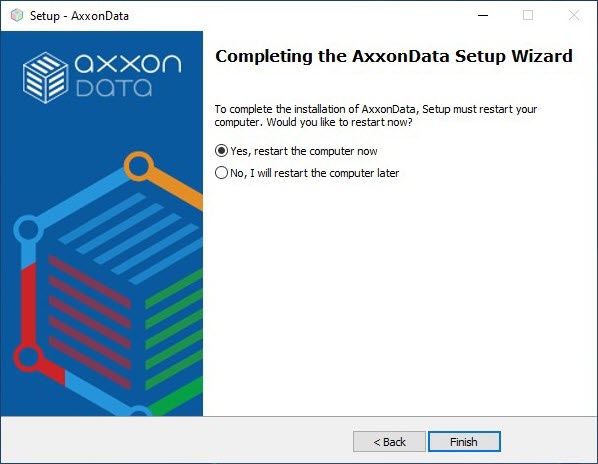
Perform the installation as follows:
Select the access protocol for local cloud and click Next.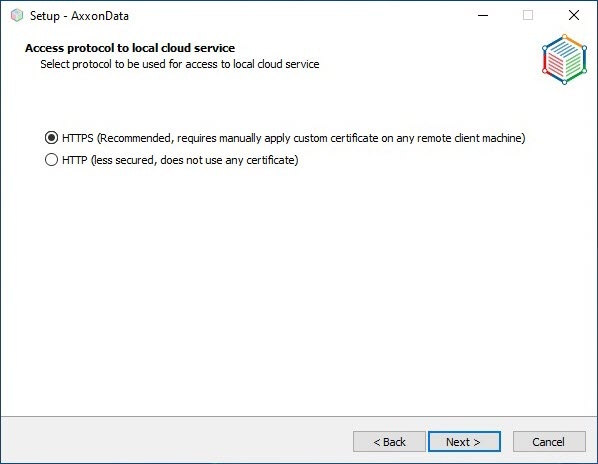
|
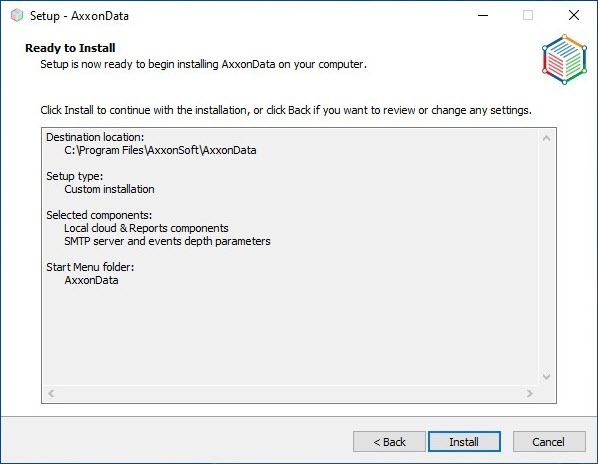
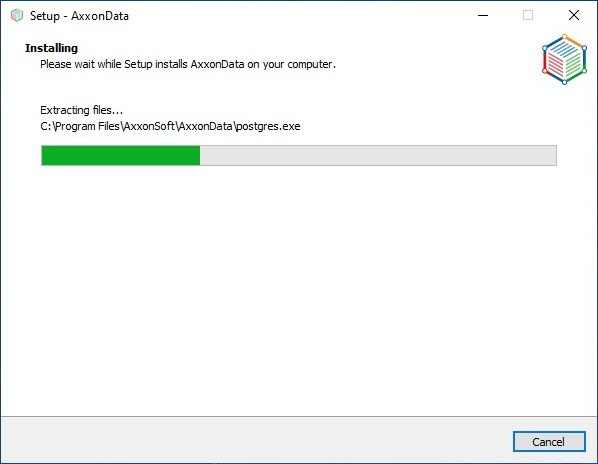
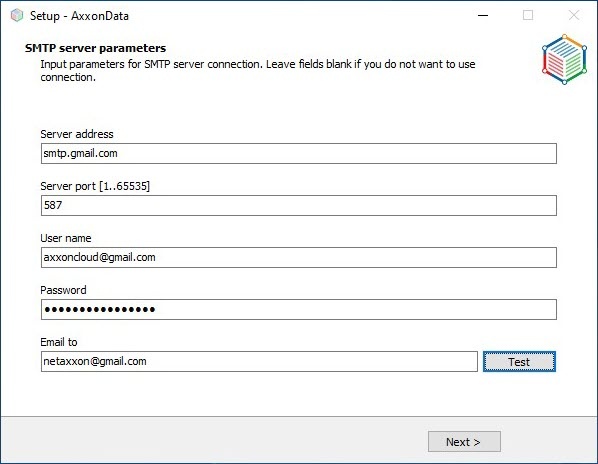
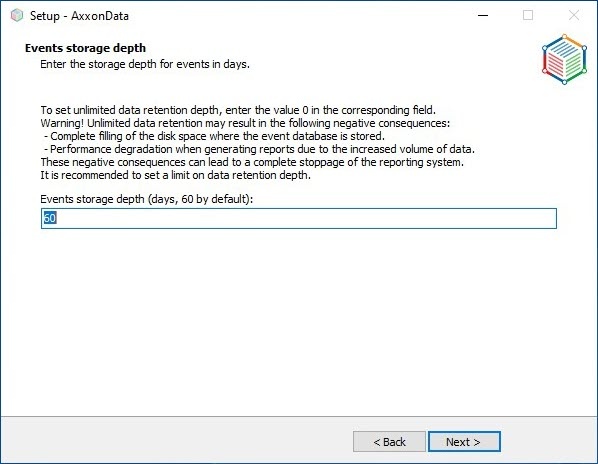
After installation, the AxxonData shortcut will be created on the desktop. Installation logs will be available in the C:\Users\User\AppData\Local\Temp folder, the product logs will be available in the C:\ProgramData\AxxonSoft\AxxonData or C:\ProgramData\AxxonSoft\AxxonNet folder.
There are 2 predefined users in the local AxxonData Client:
These users can create other users, including the administrators. Names of users are case insensitive.
Perform the configuration as follows:
On all Axxon-domain Servers where AxxonData is not installed, in the hosts file (C:\Windows\System32\drivers\etc) specify the IP address of the installed local AxxonData Server: vmscloud.local.
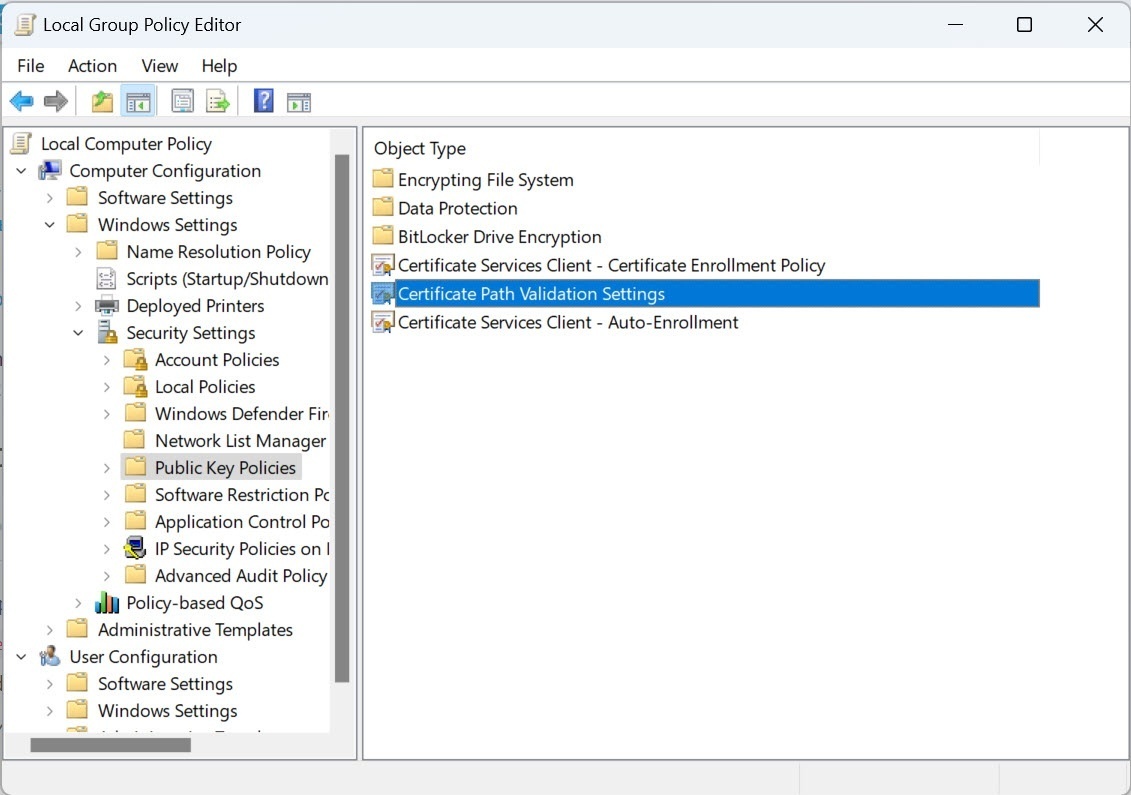
The hosts file should be writable, not read-only. |
In the infra.dictionary file located in the C:\Program Files\AxxonSoft\AxxonOne\Dictionary.local folder, in the CLOUD_URL parameter, replace the address of the CLOUD_URL parameter with vmscloud.local. If AxxonData uses the HTTP protocol, then in the infra.dictionary file, replace the address of the CLOUD_URL parameter with http://vmscloud.local:80 (if installed on port 80) or http://vmscloud.local:8082 (if installed on port 8082).
Do not edit infra.dictionary using notepad.exe—it will break down the software. It is recommended to use Notepad++. |
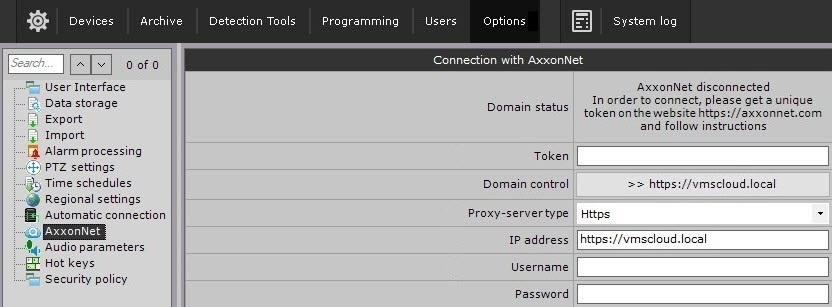
Starting from Axxon One 1.9.0.37, the cloud address must be specified with the protocol in the Client.
|
In the hosts file (located at C:\Windows\System32\drivers\etc), set the IP address of the computer on which AxxonData is installed.
The hosts file should be writable, not read-only. |
When you download a scheduled AxxonData report using the link in the email, it will be downloaded only on the computer on which AxxonData is installed.
To download scheduled reports on other computer, it must be on the same local network as AxxonData or be connected to this network via VPN.
In the Reports.env file located in the C:\Program Files\AxxonSoft\AxxonData folder, it is necessary to change the value of the AXXONDATA_CLOUD_URL variable to the IP address of the computer on which AxxonData is installed.
Google Chrome and Opera browsers block downloading files via HTTP. You can download the report by right-clicking on the download link and selecting the Save link as option.
Microsoft Edge and Mozilla Firefox browsers require confirmation of the file download. You can also copy the report download link and open it in a new browser tab or window.
To ensure the correct operation of the reports, the data transfer rate with the Axxon One Server should be at least 300 kbps. |
AxxonData works on Windows Server 2019 and Windows 10.