Icon
State


The camera icon on the Floor plan map shows the current state of the camera:
Icon | State |
|---|---|
| Camera is armed, recording to the archive is disabled |
| Camera is connected to the system |
| Camera is disconnected in the system |
| Camera connection is lost |
| Recording to the archive is enabled |
The current state of the camera is also indicated by the icon background color:
Icon | State |
|---|---|
| Yellow | Camera is armed |
| Green | Default |
| Red | Alarm on camera |
To control a camera on the map, do the following:

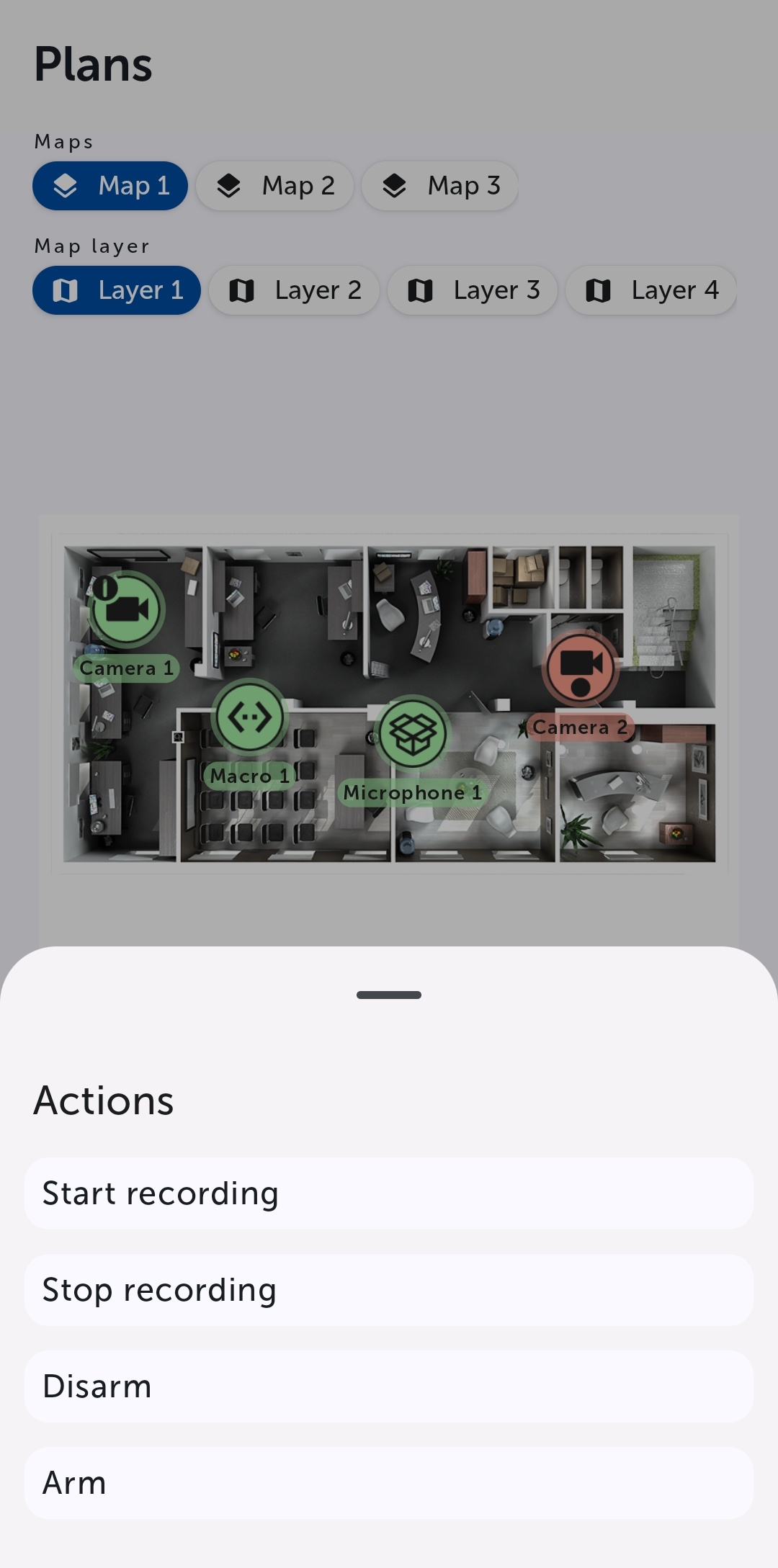
Select a command to perform a required action (see Operations with cameras).