 in the top right corner, and select Statistics Panel.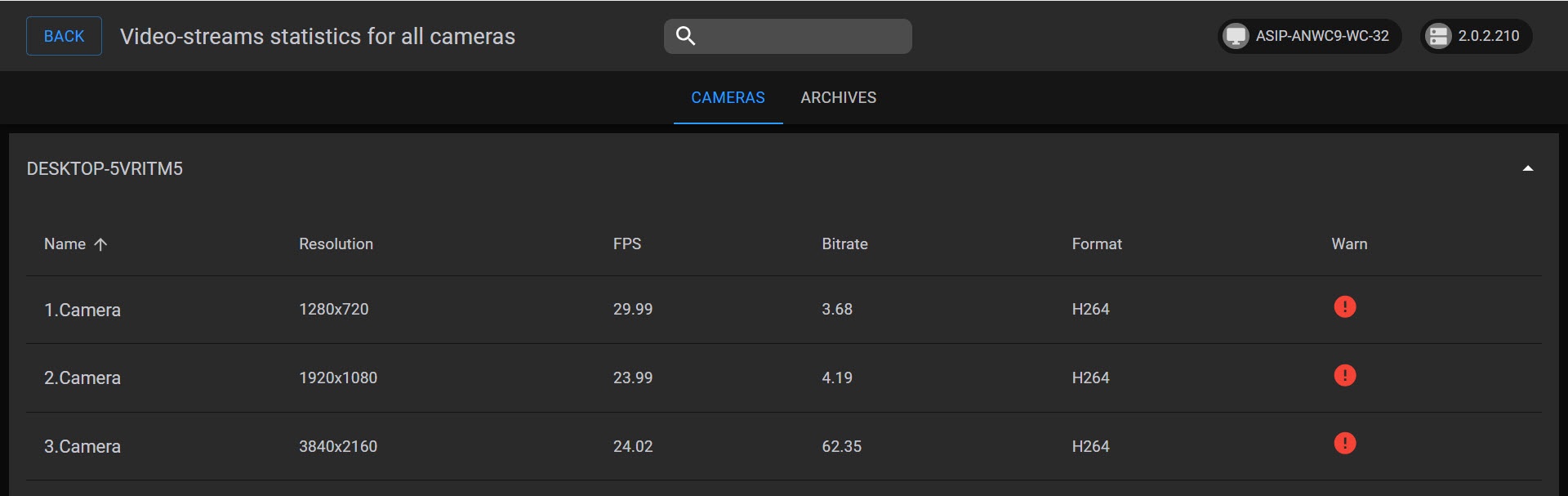
To view camera statistics, click in the top right corner, and select Statistics Panel.
On the CAMERAS tab, the following parameters are displayed for each video stream of each camera:
If the bitrate exceeds the expected value, and there is more than 1Mbit per megapixel, the stream is marked with  .
.
If the bitrate exceeds the expected value, and there is more than 2Mbit per megapixel, the stream is marked with  .
.
On the ARCHIVES tab, the following information is displayed for each Archive:
The indicator in the upper right corner displays the Axxon One Web-Client and Server version numbers. |
To return to the previous page, click BACK in the left upper corner of the screen.