You can create a cloud archive through the interface of archive creation. To do this, do the following:
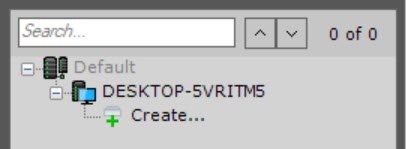
- In the branch of the Server object corresponding to the computer on which you need to organize an archive, click the Create link.
- Select the Cloud (1) archive type.

- Select an archive from the suggested solutions (2).
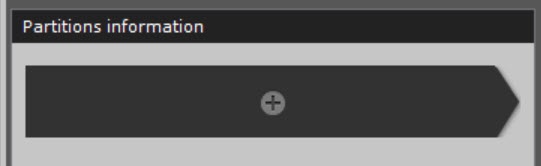
- Click the button (3) to create an archive volume.
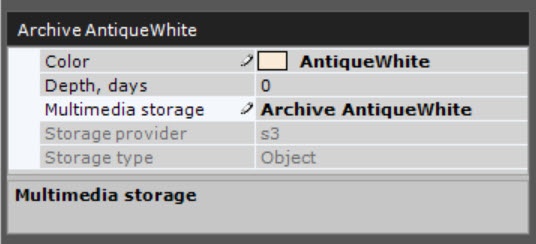
- Specify general parameters for archive volumes:
- Specify the color of the archive (4).
- Specify the depth of the archive in days (5). If the value is set to 0, the entire archive will be available for viewing.
- Specify the name of the archive (6).
- Specify the connection protocol: HTTP or HTTPS (7).
Specify the size of the archive volume in GB (8).

Configuring the archive fields for different solutions is given on the corresponding pages. |
To test the connection of the archive volume, click the Test connection button (9).
- Click the Apply button.
As a result, a cloud archive and a volume will be created based on the selected solution.