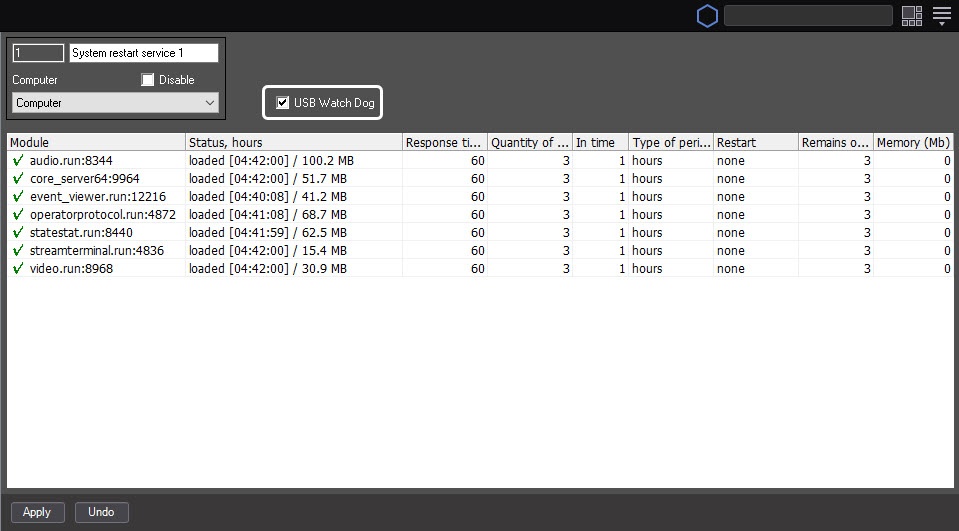
The activation of the hardware control of workability requires the additional connection of the AxxonSoft USB WatchDog cable (see the Guide for installing and configuring security system components, the Connecting the USB Watchdog hardware performance tester).
To activate the hardware control of workability, do the following:
Activating the hardware control of workability is complete.