
In the window that opens, set the name and number of the Audio player object.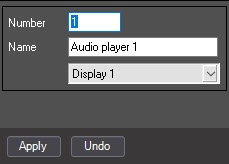
| As a result, the settings panel of the Audio player object is displayed. |
To create the Audio player object, do the following:
In the window that opens, set the name and number of the Audio player object.
| As a result, the settings panel of the Audio player object is displayed. |
Creating the Audio player object is complete.