The Incident manager interface module is designed for:
- event handling by the operator according to the pre-configured script;
- automatic execution of macros that are started by certain operator actions;
- generating a report on the event and operator actions.
Example of displaying the incident manager interface:
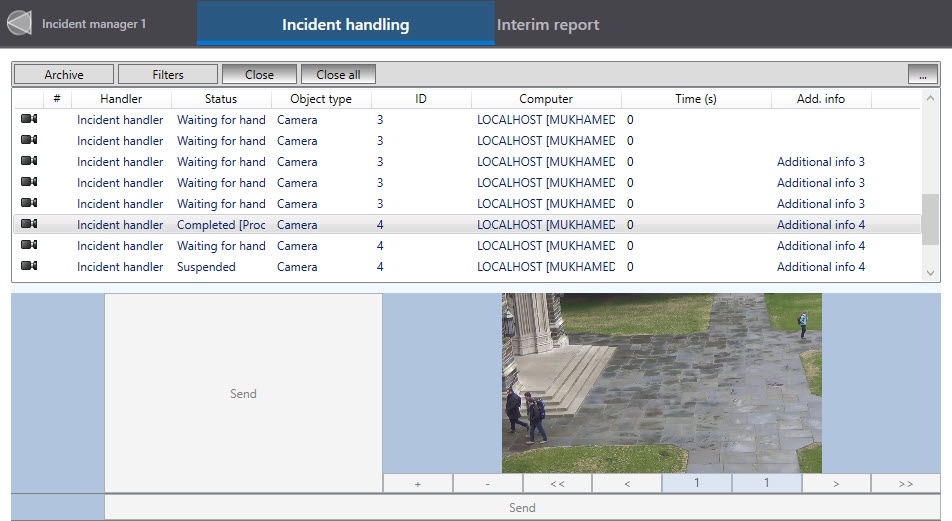
Example of displaying the report:

The Incident manager interface module is configured in the following order:
- Creating the Incident manager object.
- Configuring the position of the Incident manager window.
- Configuring the main parameters of the Incident manager object.
- Configuring the events filtering and grouping in Incident manager.
- Configuring user rights in Incident manager.
- Configuring event highlighting color.
- Assigning Hotkeys.