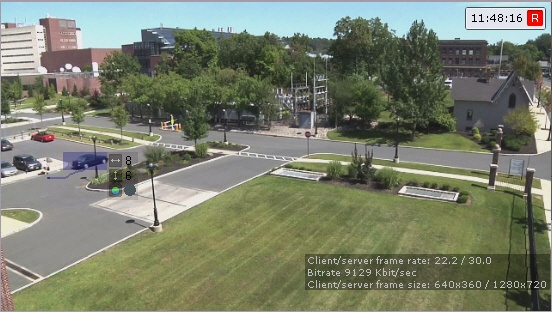
The standard detection sub-tools generate events at certain actions of objects in the camera FOV:
| Name of the detection sub-tool | Description |
|---|---|
| Line Crossing | Detection tool generates an event when an object track crosses a virtual line |
| Loitering In Area | Detection tool generates an event when an object stays in a specified area for a long period of time. |
| Stop In Area | Detection tool generates an event when an object stops moving in a specified area. The event stops when an object leaves the area or disappears inside the area |
| Abandoned Object | Detection tool generates an event when there is an abandoned object in a specified area |
| Motion In Area | Detection tool generates an event when an object starts moving in a specified area. The event stops when an object stops in the area, leaves the area, or disappears inside the area |
| Entrance In Area | Detection tool generates an event when an object enters a specified area |
| Exit From Area | Detection tool generates an event when an object leaves a specified area |
| Multiple Objects | Detection tool generates an event when the number of objects in a specified area exceeds the set value |
| Move From Area To Area | Detection tool generates an event when an object leaves one area and enters another area of the frame |
To operate the standard detection sub-tools, you can use the metadata from the sources:
| Category | Detection tool |
|---|---|
| Category: Trackers | |
Category: Face (reduced set of detection sub-tools: Line Crossing, Loitering In Area, Entrance In Area) | |
| Category: Vehicle | |
| Category: Poses | |
| Category: Production Safety | |
| Category: Retail |
The standard detection sub-tools can operate on the basis of all of the above objects.
You can track up to 25 objects at the same time. |